One URL.
Infinite variations.
A single image URL that automatically shows the right creative based on real-time conditions — time, location, device, audience data, or any combination. Set it once. Let the rules do the work.
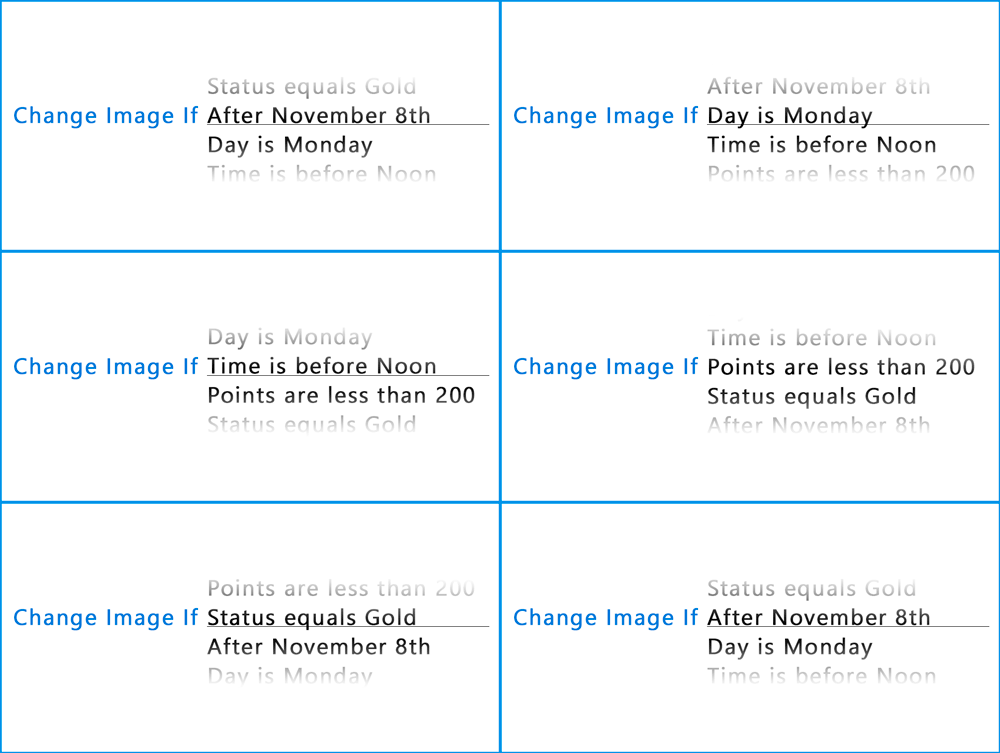
Set it and forget it
Build a rule set once and NiftyImages evaluates it at every open. Change promo images when a sale starts, swap creatives when inventory runs out, or shift messaging after a deadline passes — all without touching your ESP or resending a single email.
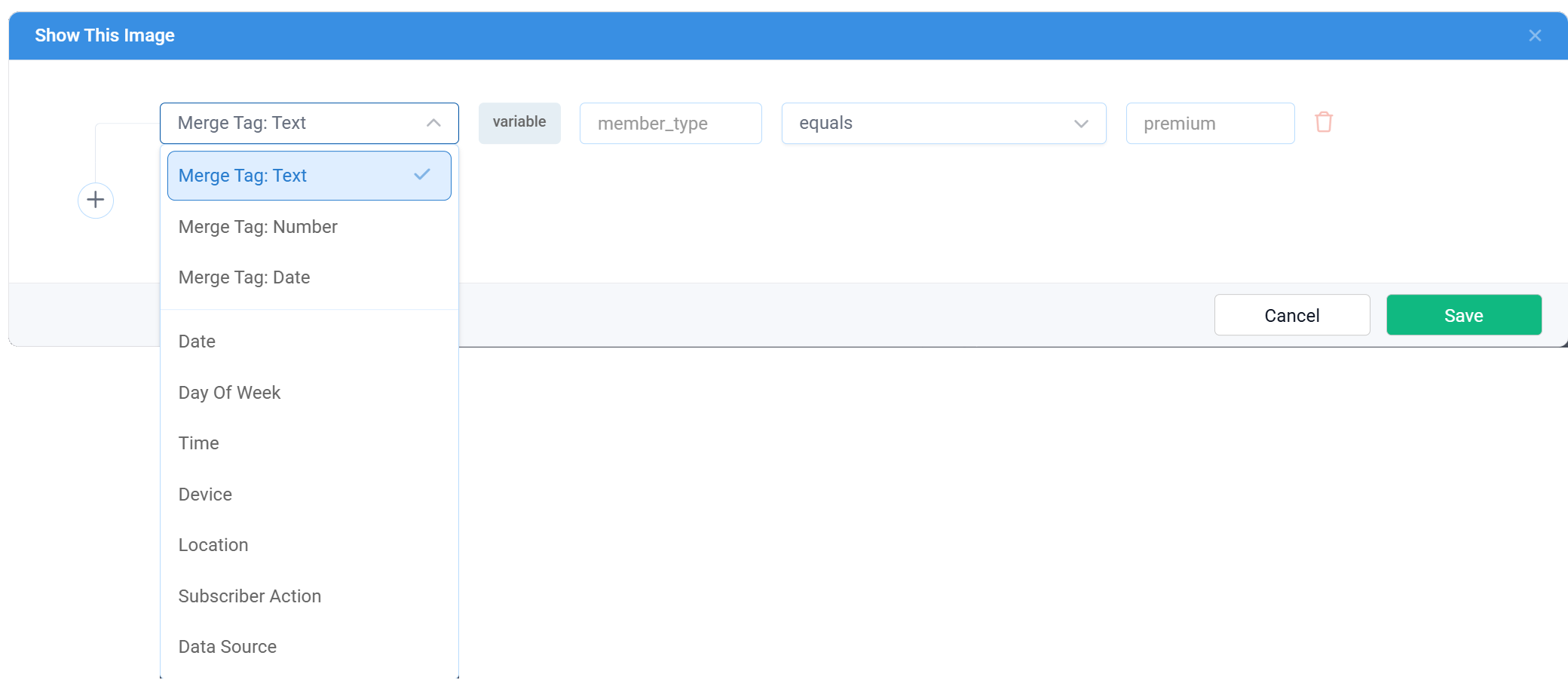
Target the right audience at the right moment
Combine conditions to create precise targeting without custom code. Date ranges, geo-targeting, device detection, merge tag values, Data Source lookups, or random rotation — stack as many conditions as you need on a single rule.
Rules powered by your data
Connect Data Stores or external APIs to drive which image is shown. Each rule can point to a specific Data Source record, so the creative changes based on live business data — inventory levels, customer segments, pricing tiers, or anything your API returns.
One URL, endless possibilities
Campaign lifecycle
Pre-sale teaser → live sale banner → "sale ended" fallback. One URL manages the entire promotion arc.
Device targeting
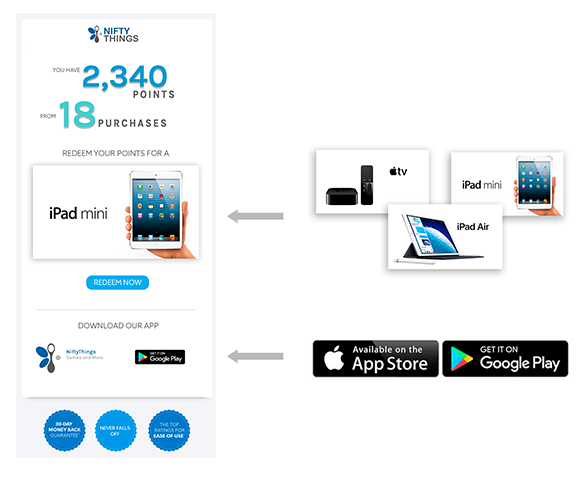
Show the correct app-store badge, mobile-optimized layout, or device-specific CTA automatically.
Geo-targeted offers
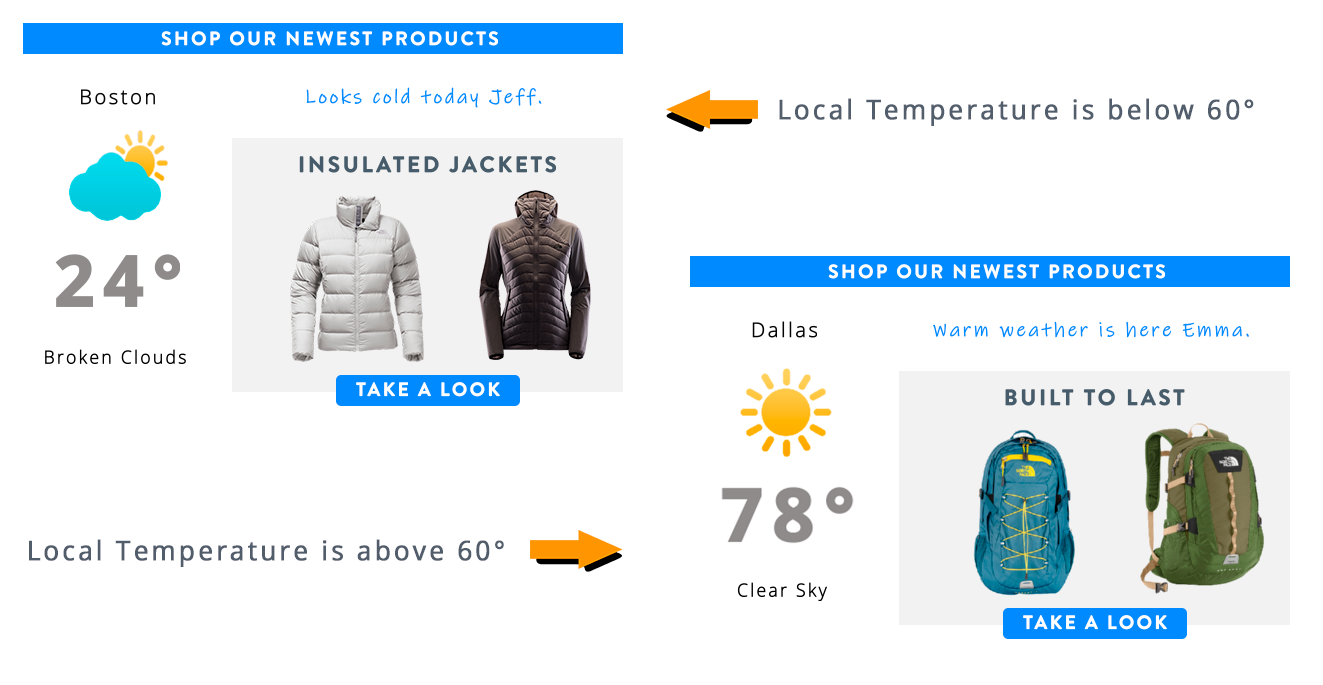
Serve region-specific promotions, local store imagery, or language-appropriate creatives by location.
Audience segmentation
Show different creatives for loyalty tiers, new vs returning customers, or high-value segments using merge tags.
Random rotation
Rotate creatives randomly for variety across opens — a lightweight alternative to A/B testing.
Time-of-day messaging
Show "Good morning" vs "Good evening" or shift from breakfast to dinner menus based on open time.
Smart images in 3 steps
No developer needed. One image URL handles everything.
Build your rules
Define conditions — date, time, geo, device, merge tags, Data Sources, or random. Stack multiple conditions per rule.
Assign images
Point each rule to an uploaded image or any NiftyImage — a timer, personalized image, or Data Source record. Set a default fallback.
Paste & forget
Drop the single image URL into your email. NiftyImages evaluates the rules at every open and serves the matching creative.
<img src="niftyimages.com/r/abc123?tier=%%TIER%%" />
Orchestrate your entire NiftyImages toolkit
Rule sets don't just swap static images. Each rule can point to any NiftyImage type — countdown timers, personalized images, charts, or data-driven creatives. Build multi-stage campaigns where a timer shows before the deadline, a sale banner shows during, and a "sold out" fallback shows after — all from one URL.
Update emails already in inboxes
Because rules are evaluated at open — not at send — you can change what subscribers see in emails that were sent days or weeks ago. Update rules to reflect new inventory, extend a sale, or respond to an incident. No resend required.