Show every subscriber
their nearest location
Dynamic map images that change per subscriber based on address, ZIP code, or location data. The right store, the right venue, the right branch — rendered as a standard image in any email.
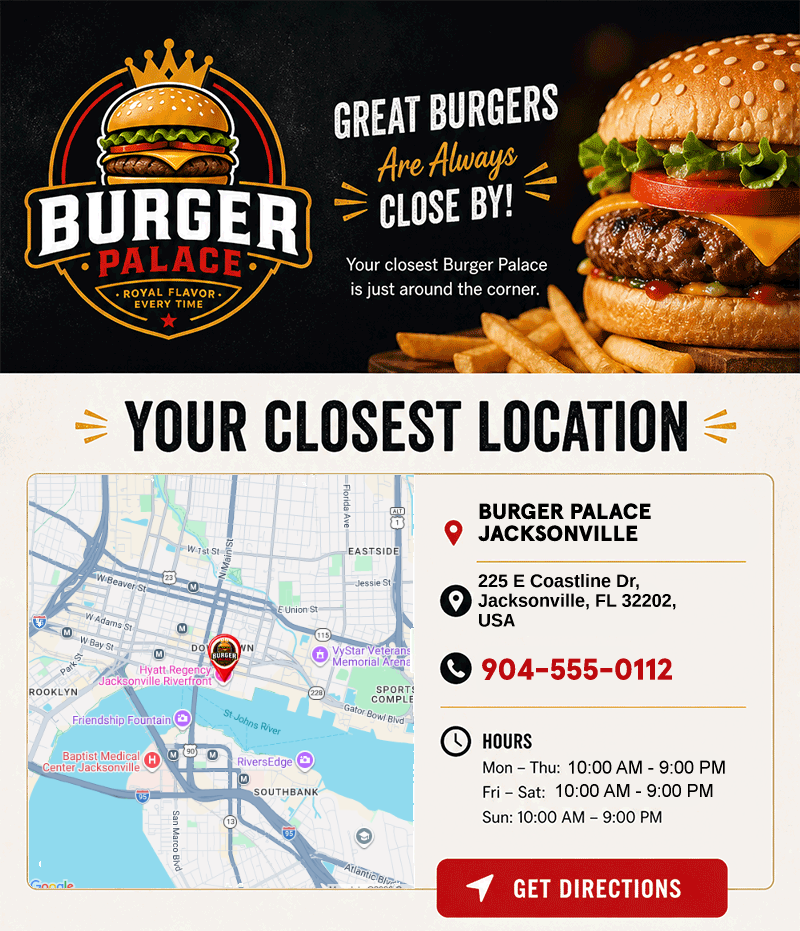
A full personalization layer, built on your locations
Studio Maps go beyond a rendered map image. Import custom location data, drop map-bound text and image elements onto the Studio canvas, and target your creatives with map-aware Rule Sets — all from a single imported dataset.
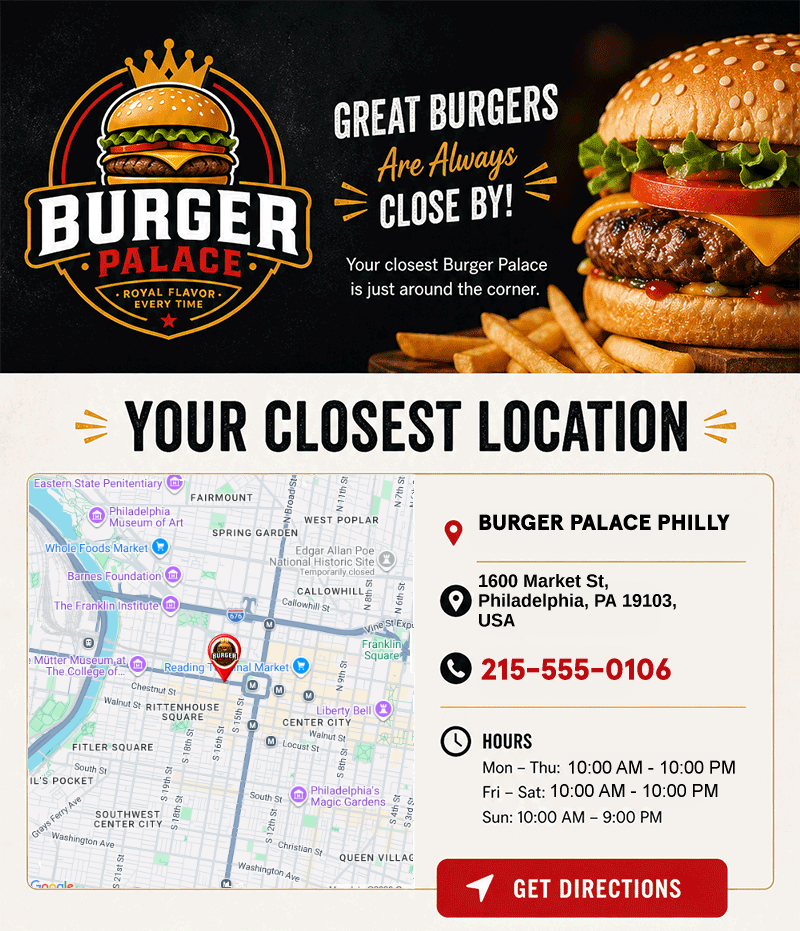
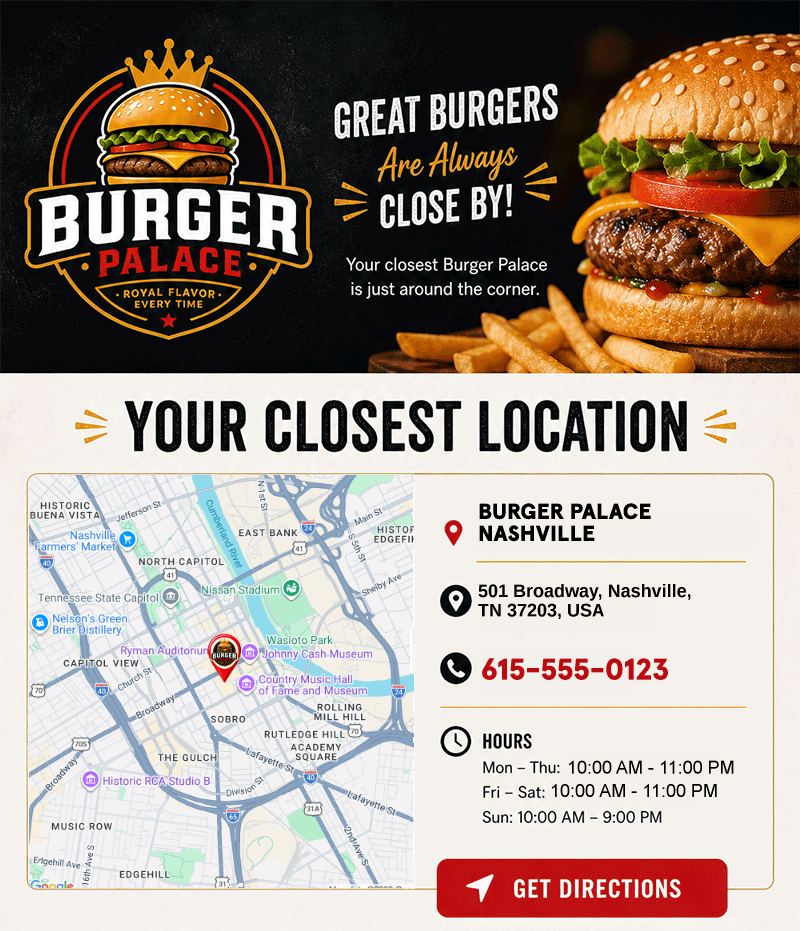
One map URL, millions of unique maps
Pass an address, city, state, or ZIP code via merge tags and NiftyImages renders a unique map for each subscriber. Show their nearest store, the event venue closest to them, or a location based on their profile data — all from a single image URL.
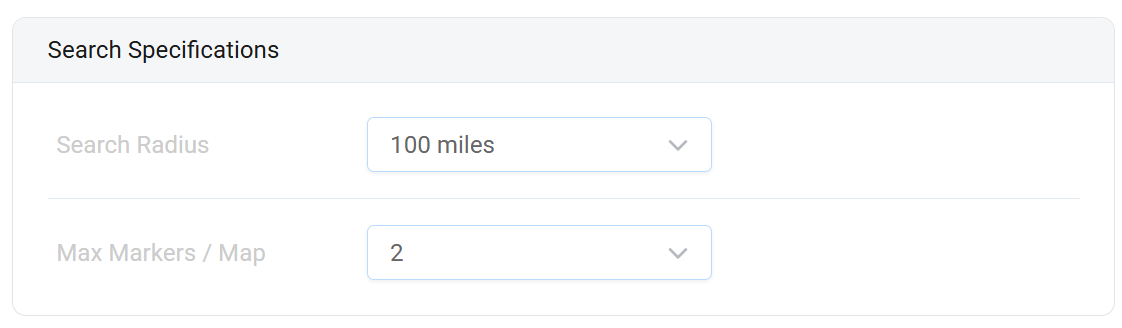
Maps that fit your brand
Control zoom level, map dimensions, marker pins, and map theme. Embed maps as layers inside Personalized Images alongside text, logos, and other dynamic elements to build rich, location-aware creatives.
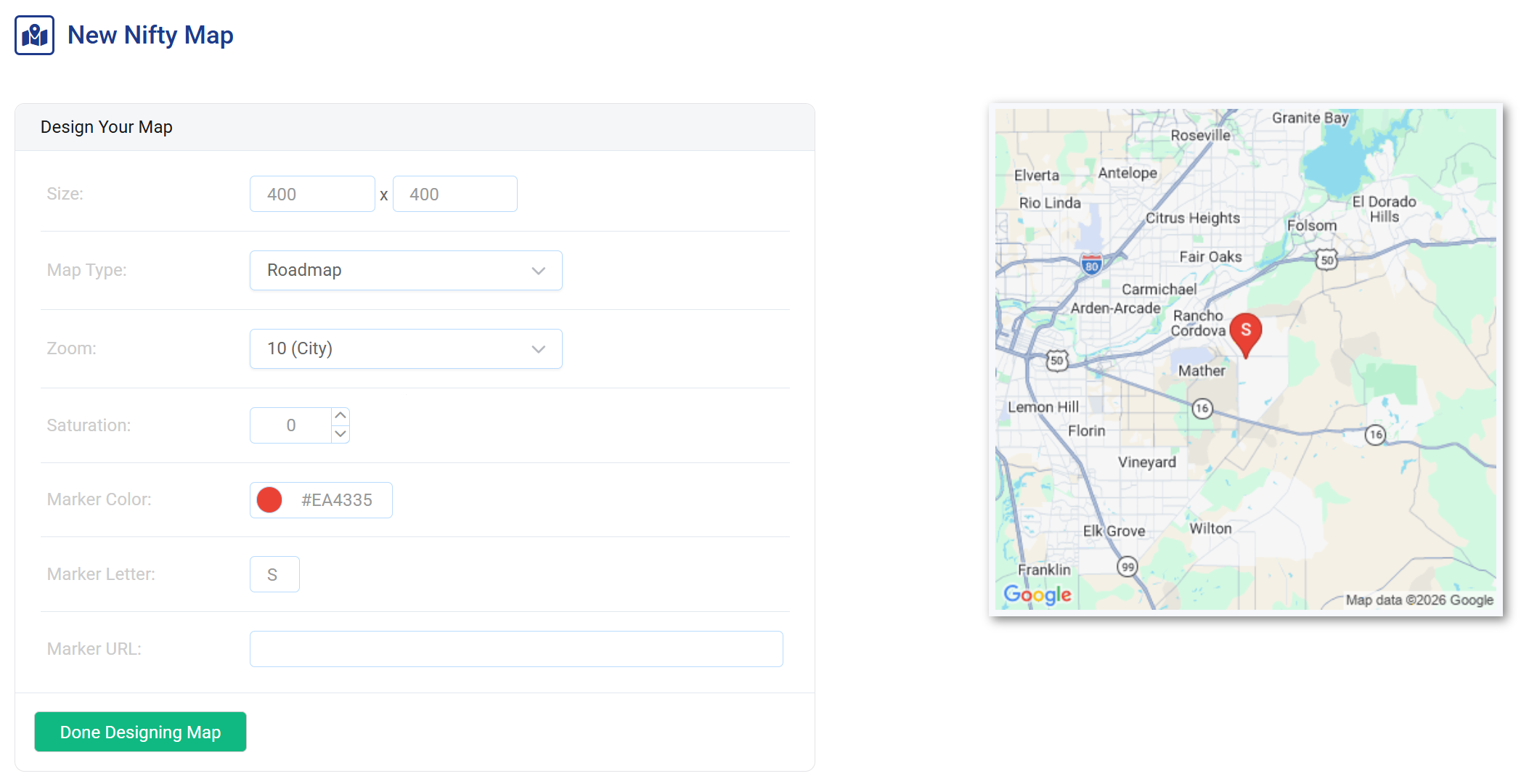
Import your locations or use subscriber data
Upload a list of store locations, branch offices, or event venues. Or skip the upload entirely and drive maps from subscriber profile fields — home store, preferred branch, or any location data your ESP already has. NiftyImages handles the rest.
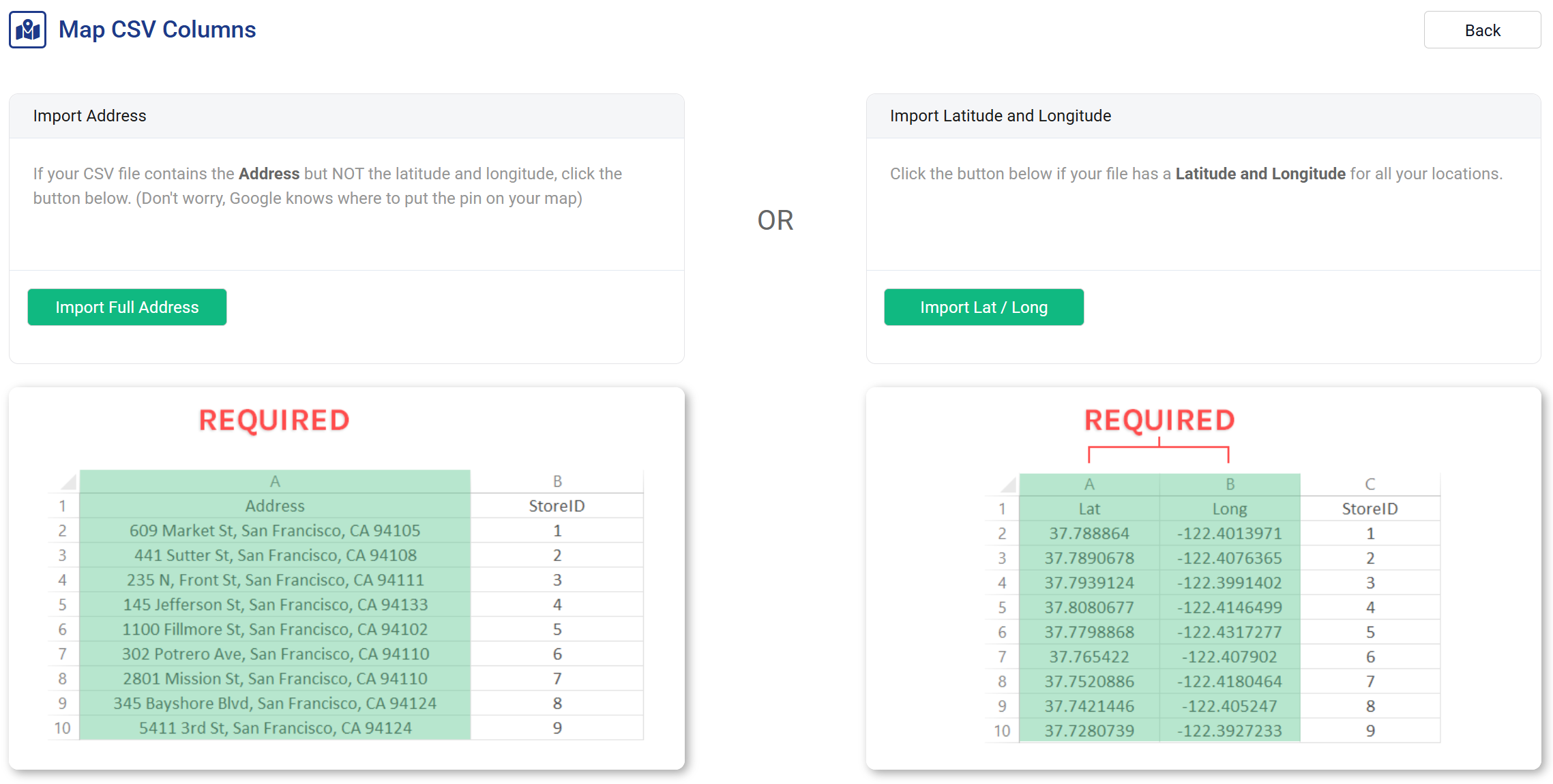
Personalized maps in 3 steps
No developer needed. No geocoding API to manage. Just an image URL.
Set up your map
Choose your map style, zoom level, and pin design. Import locations or configure merge tag inputs for subscriber data.
Add merge tags
Pass location data via your ESP's merge tags — ZIP code, city, address, or a stored location ID.
<img src="niftyimages.com/m/abc123?zip=%%ZIP%%" />
Paste & send
Drop the image URL into your email. Each subscriber sees a map centered on their location every time they open.
Location-aware emails that convert
Nearest store
"Visit us here." Show each subscriber a map of their closest retail location, branch, or dealer.
Event venues
Send invitations with a map showing the exact venue for each recipient's local event or meetup.
Location-based promos
Highlight a subscriber's local branch with a promotion specific to that location — regional sales, local inventory, or seasonal offers.
Shipping & pickup
"Your order is ready at this location." Show a map of the pickup point or local fulfillment center.
Real estate
Show property locations, open house venues, or neighborhood maps personalized to each lead's search area.
Service areas
Healthcare, insurance, or financial services — show each subscriber a map of their assigned office, advisor, or service center.
Maps inside personalized images
Embed maps as layers inside Personalized Images. Combine a subscriber's nearest store map with their name, a coupon code, and a countdown timer — all in a single image URL that renders uniquely for every recipient.
Powered by your existing data
Maps use the same merge tag and Data Source infrastructure as every other NiftyImage. If your ESP has location data — and most do — you already have everything you need. No geocoding API to manage, no separate location service to maintain.