Create urgency
that converts
Live countdown timers that tick in real time — every time the email is opened. No code, no developer, no ESP integration required. Run the same creative across every audience with built-in multilingual label support.
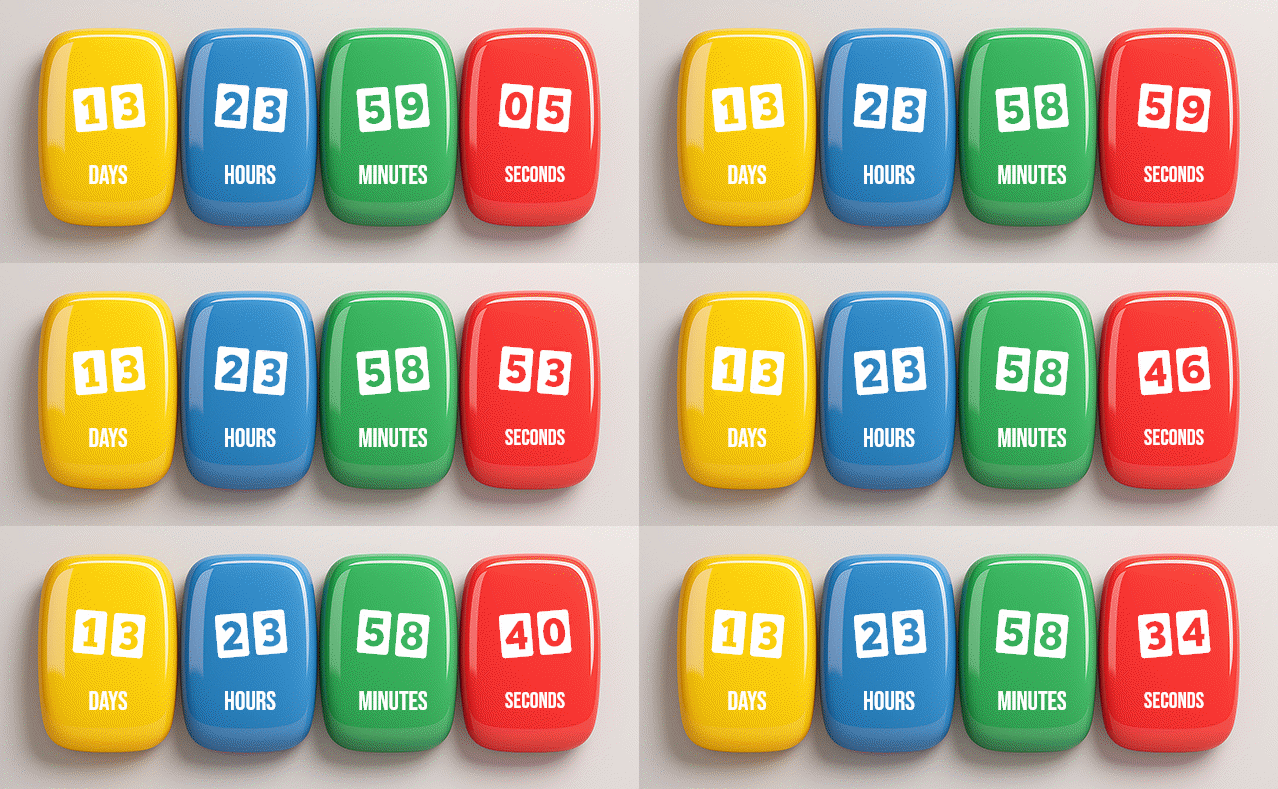
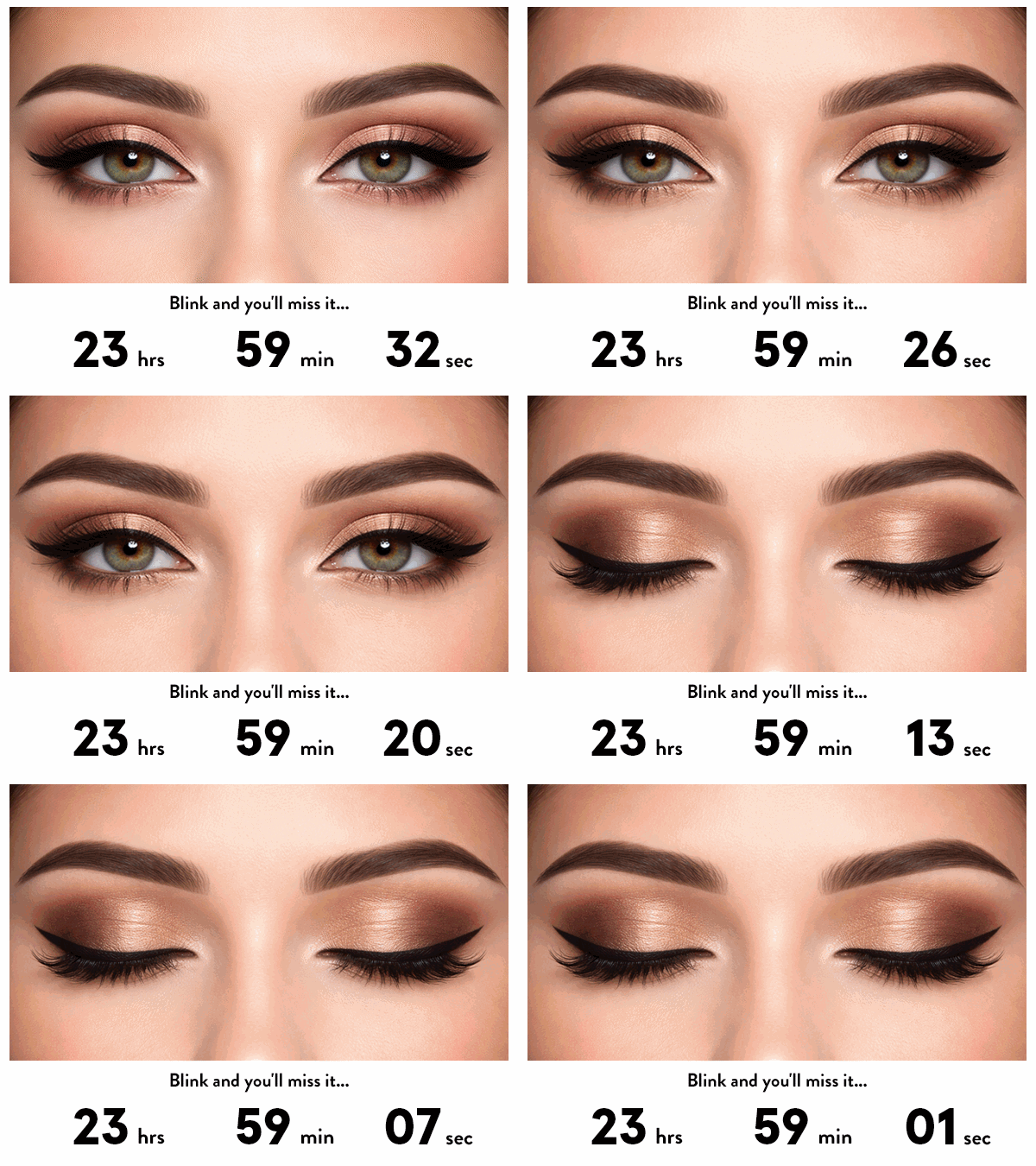
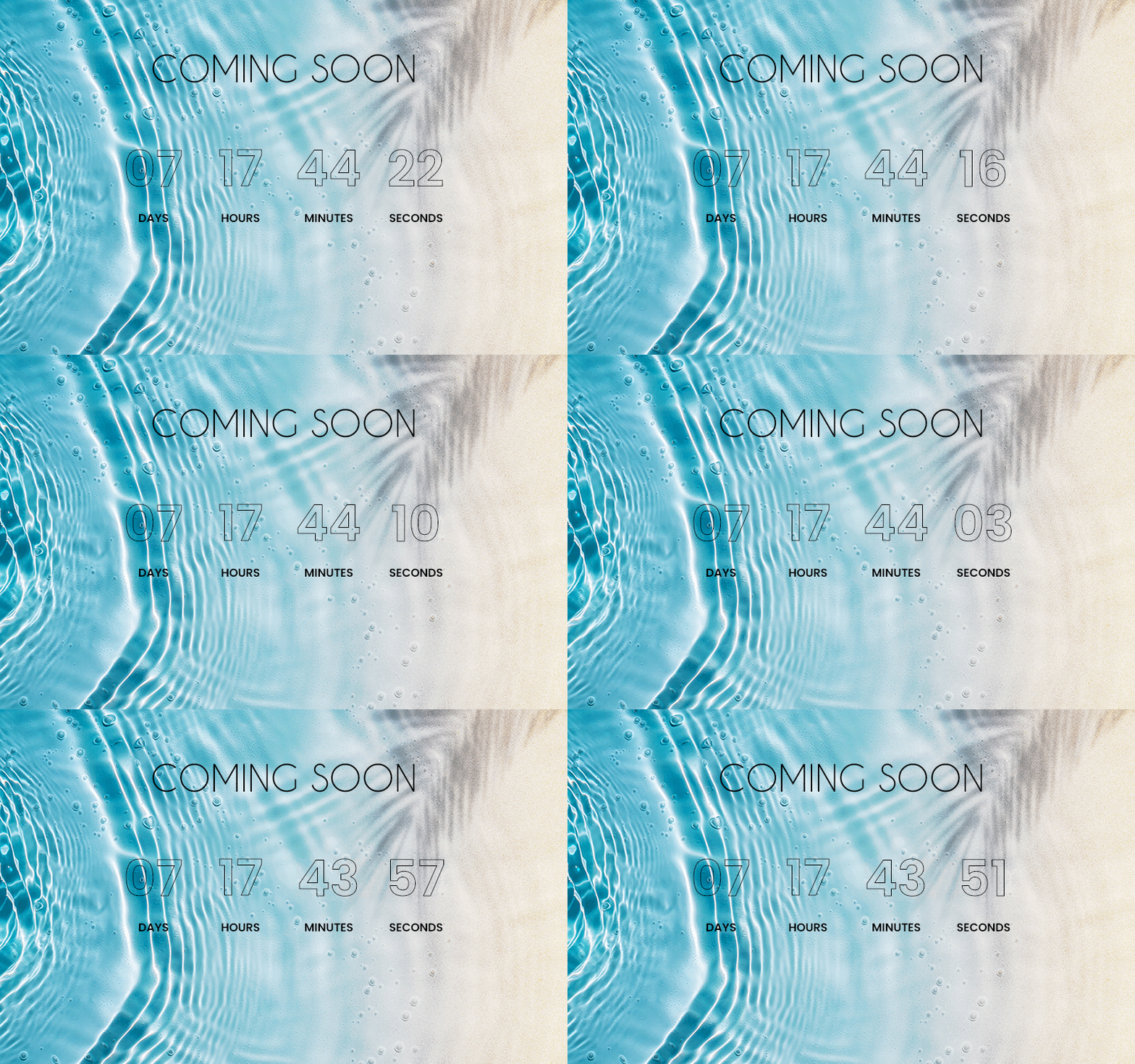
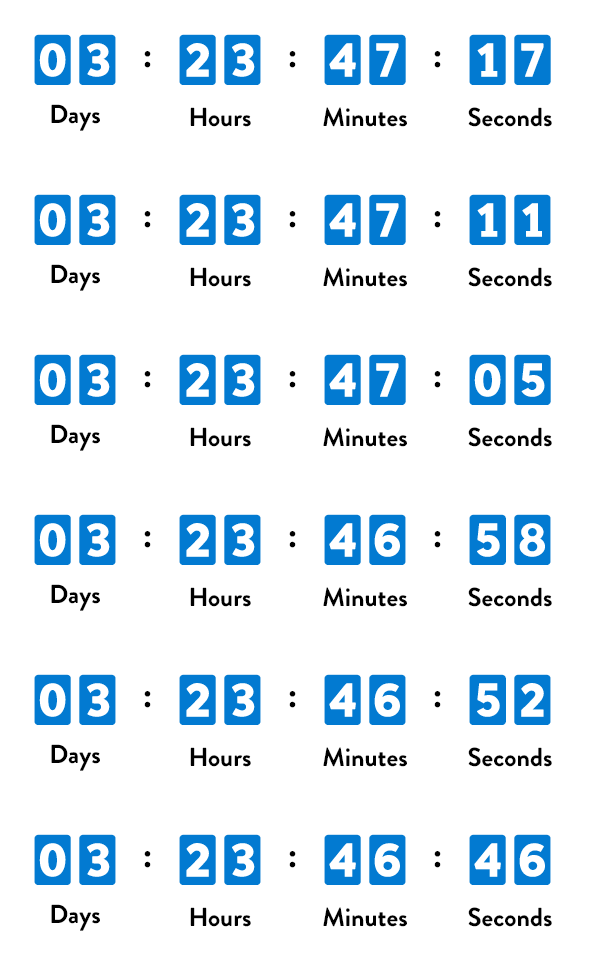
More than a timer widget
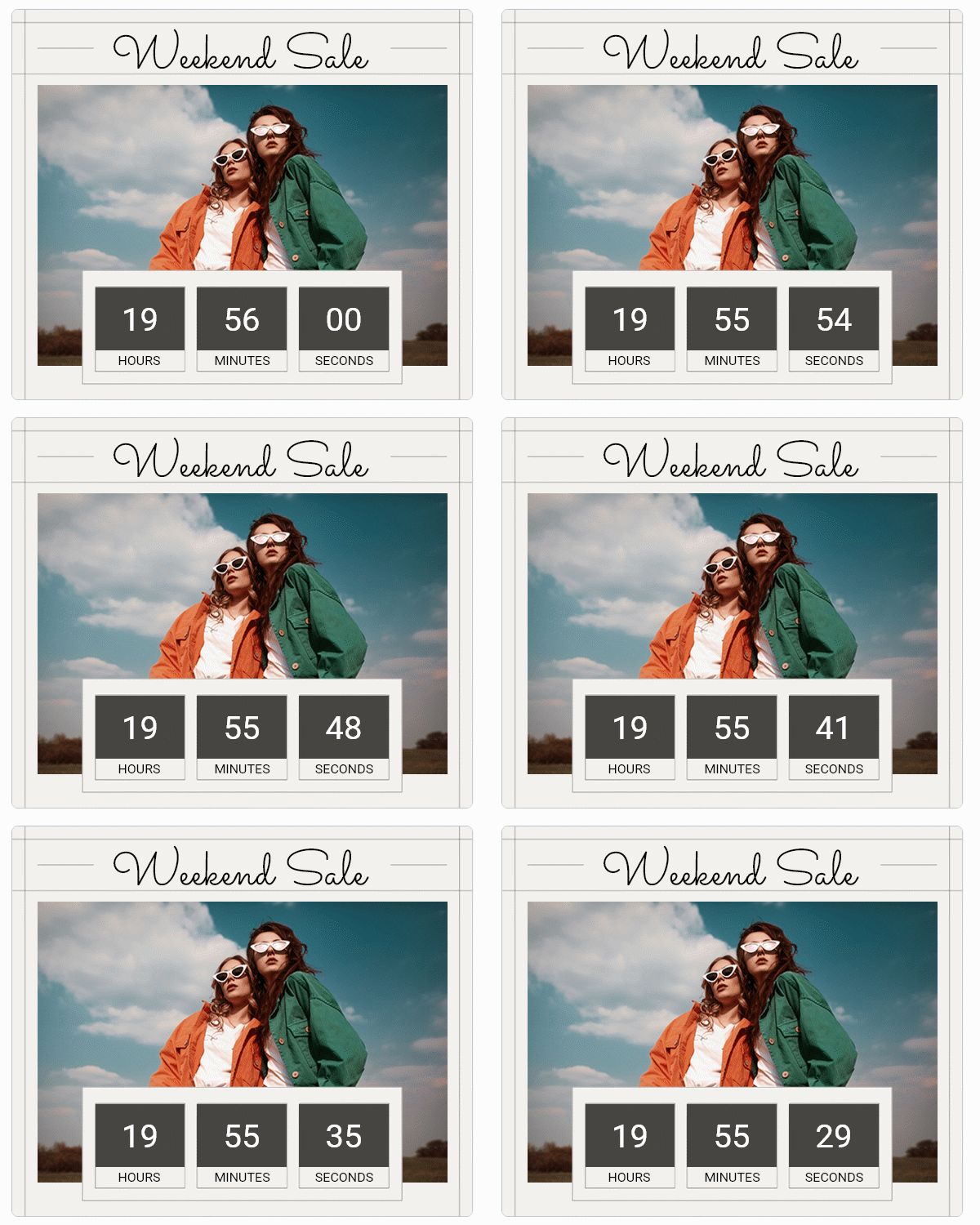
Timer Studio is a full design canvas. Drag and drop text, images, shapes, and time components. Layer them, animate them, and position them exactly where you want. Build countdown creatives that match your brand — not a generic widget.
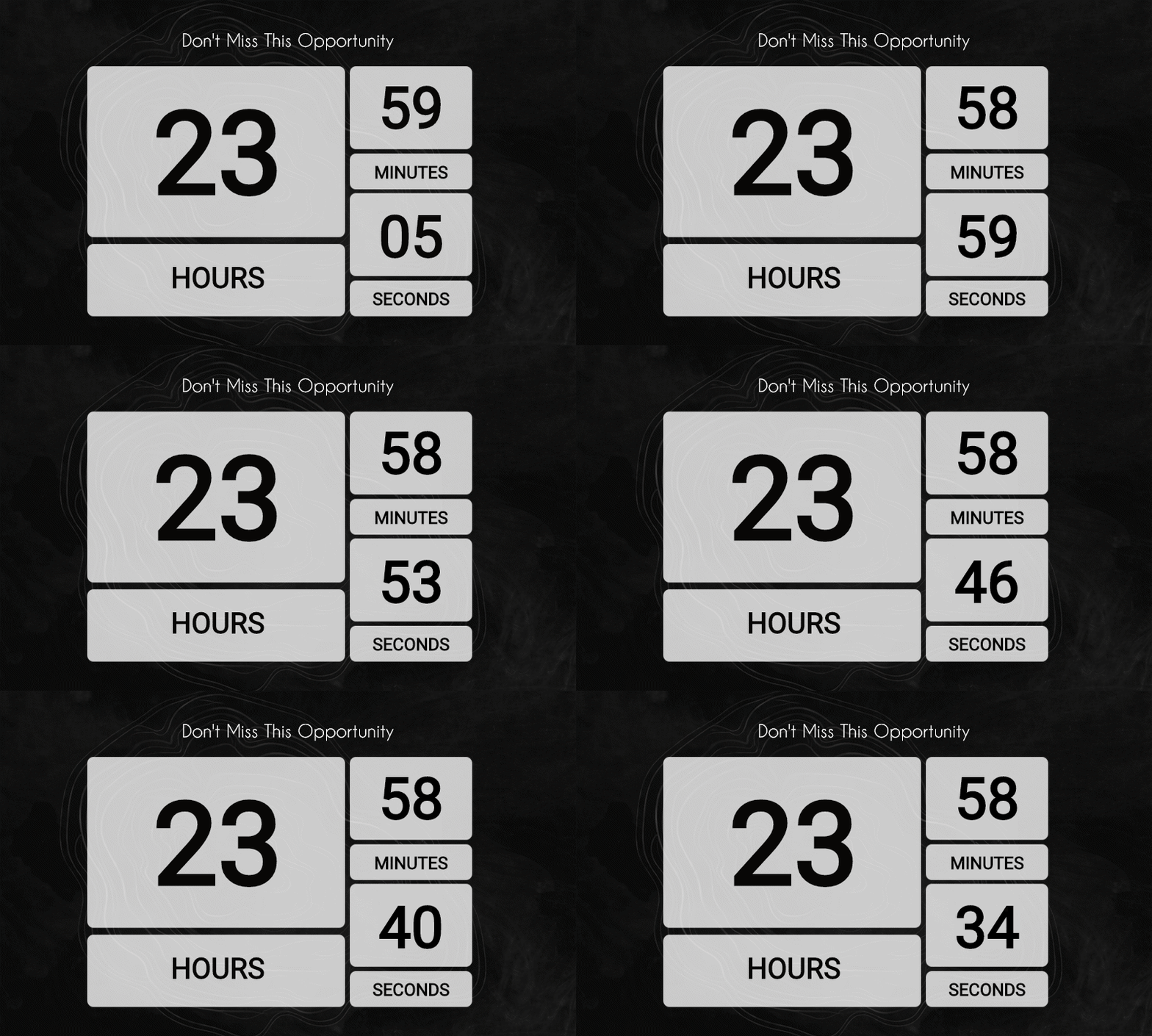
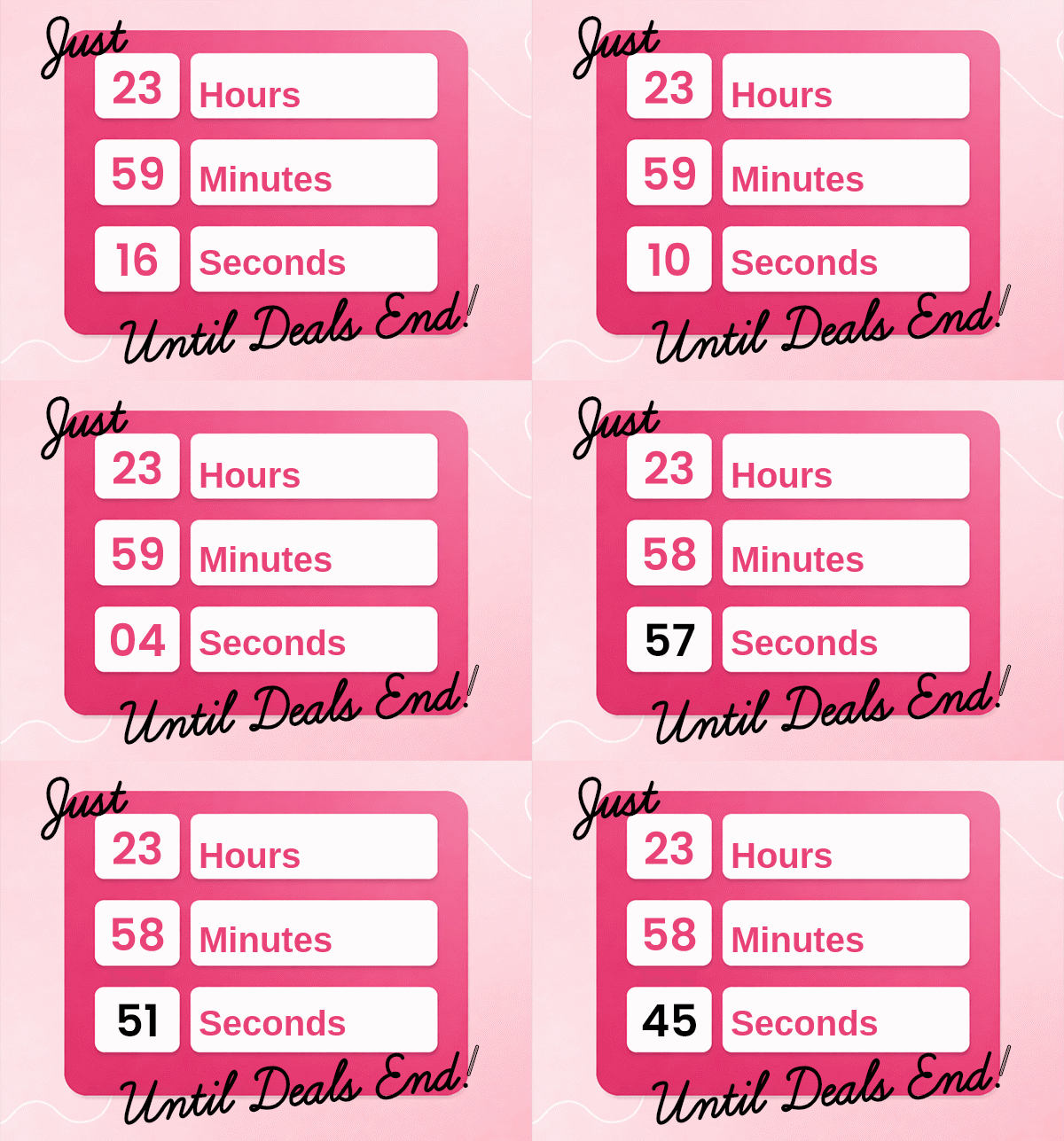
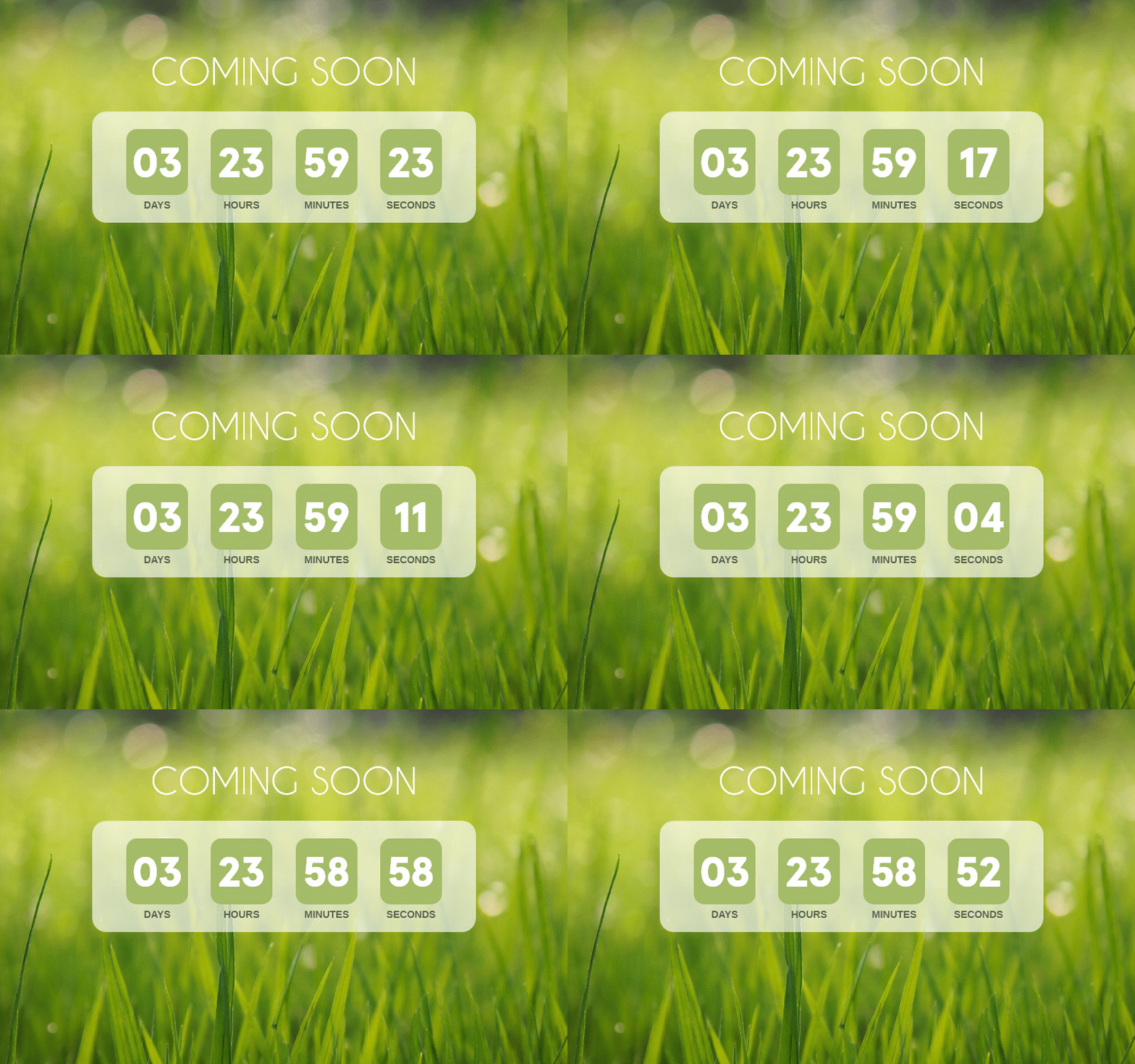
Every second is a moment to engage
Add per-layer animations that tick with the countdown — blink, rotate, waggle, or alternate colors. Layer on drop shadows, gradients, strokes, and glow to make your timer pop in any inbox.
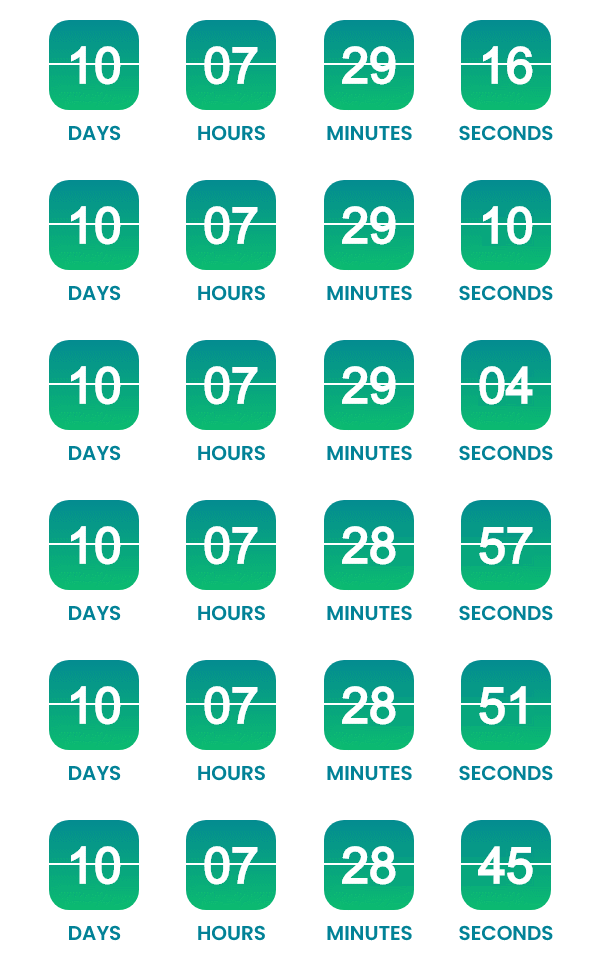
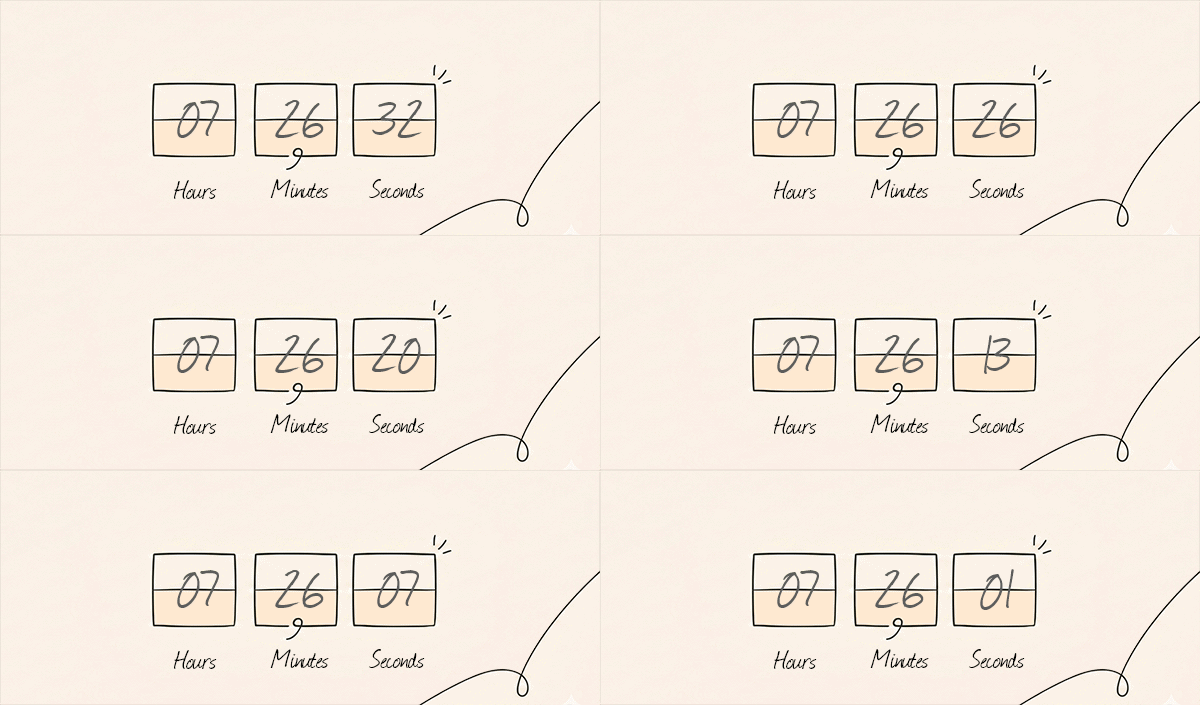
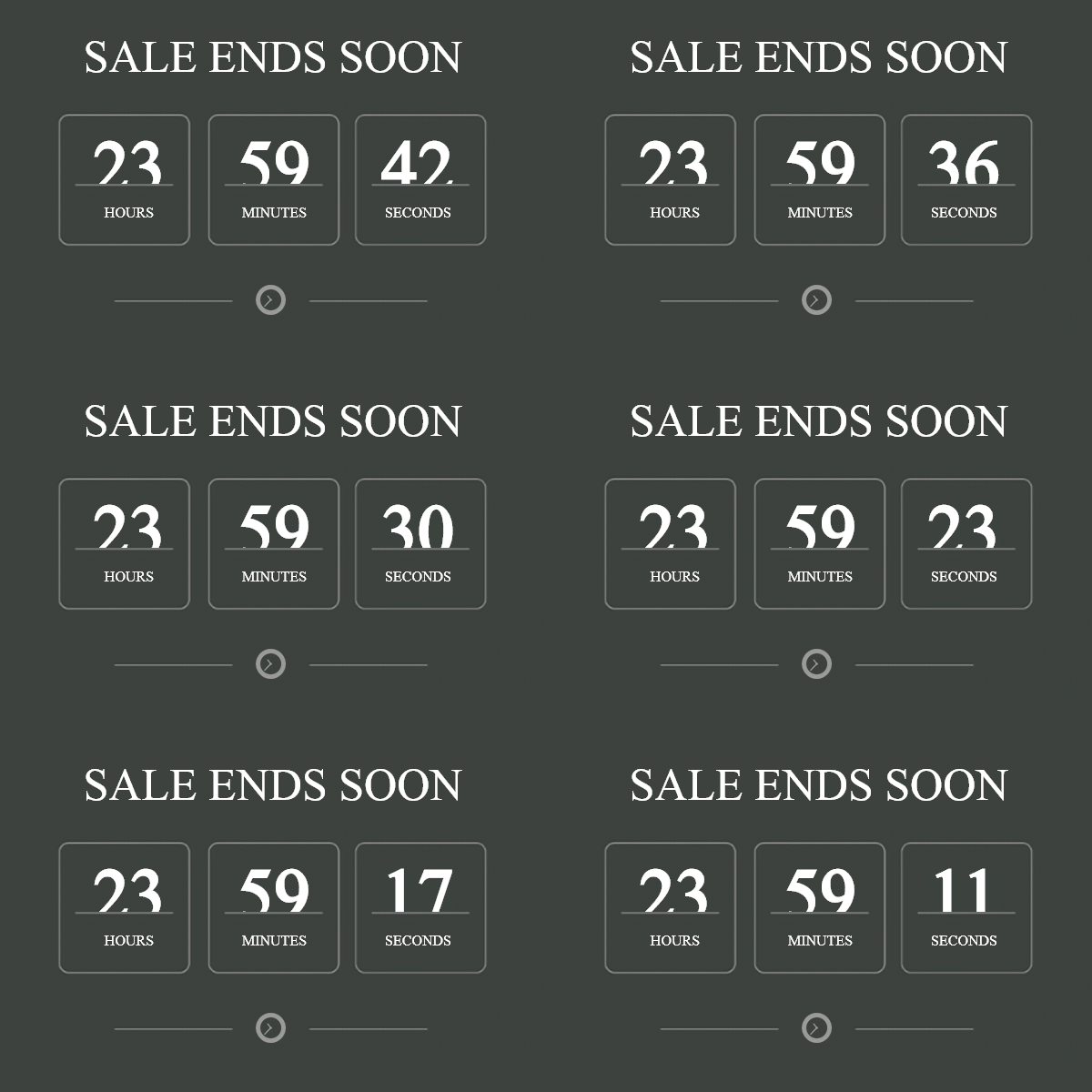
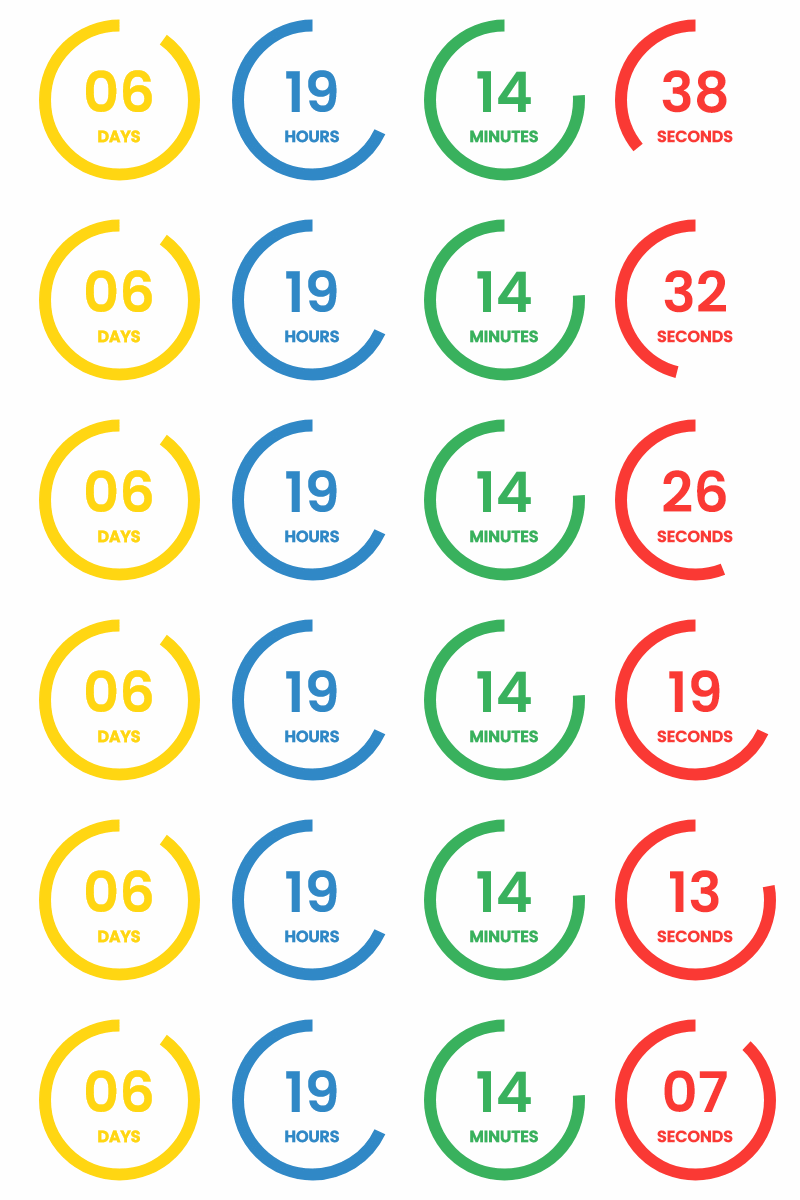
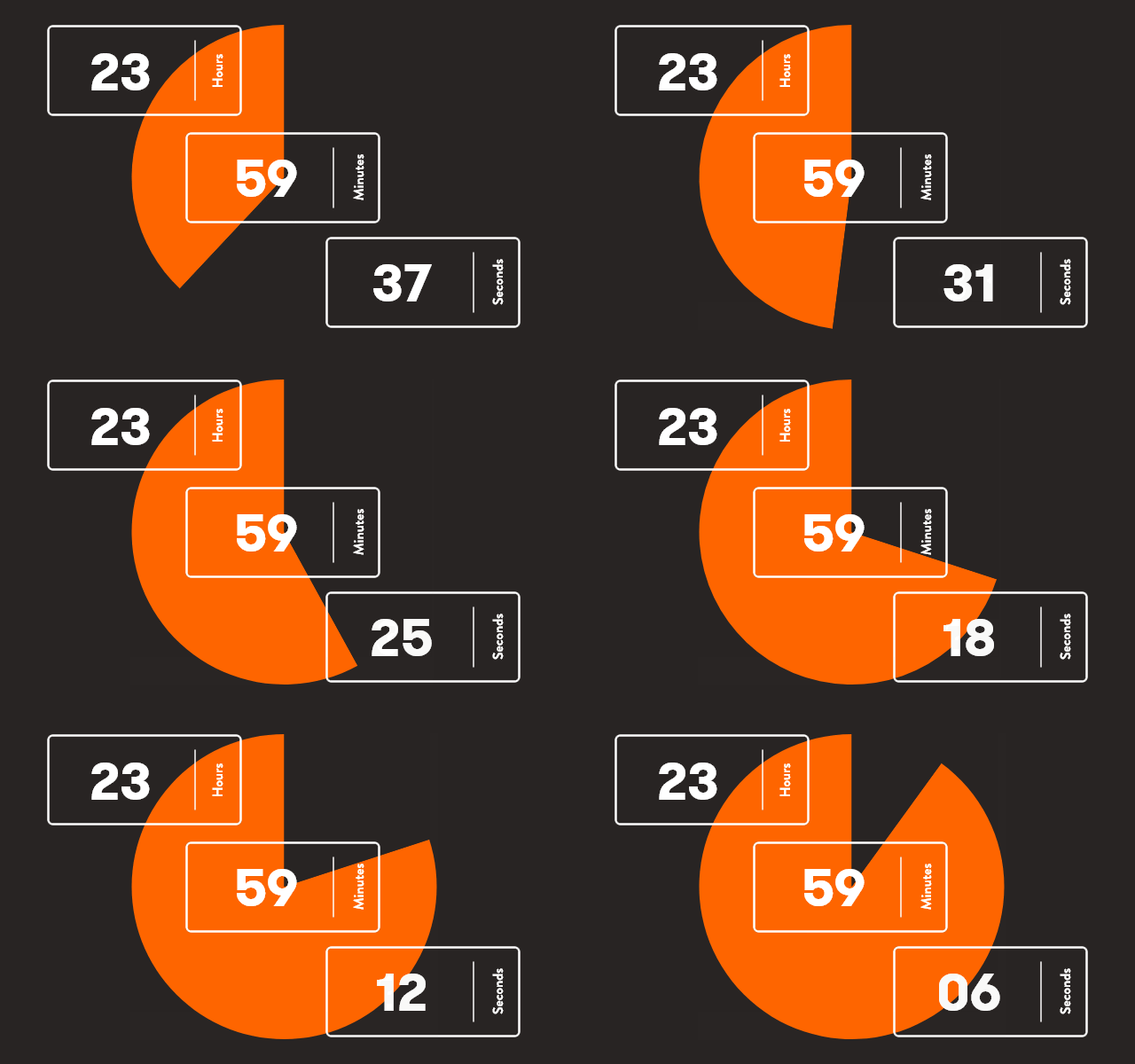
Visualize the countdown
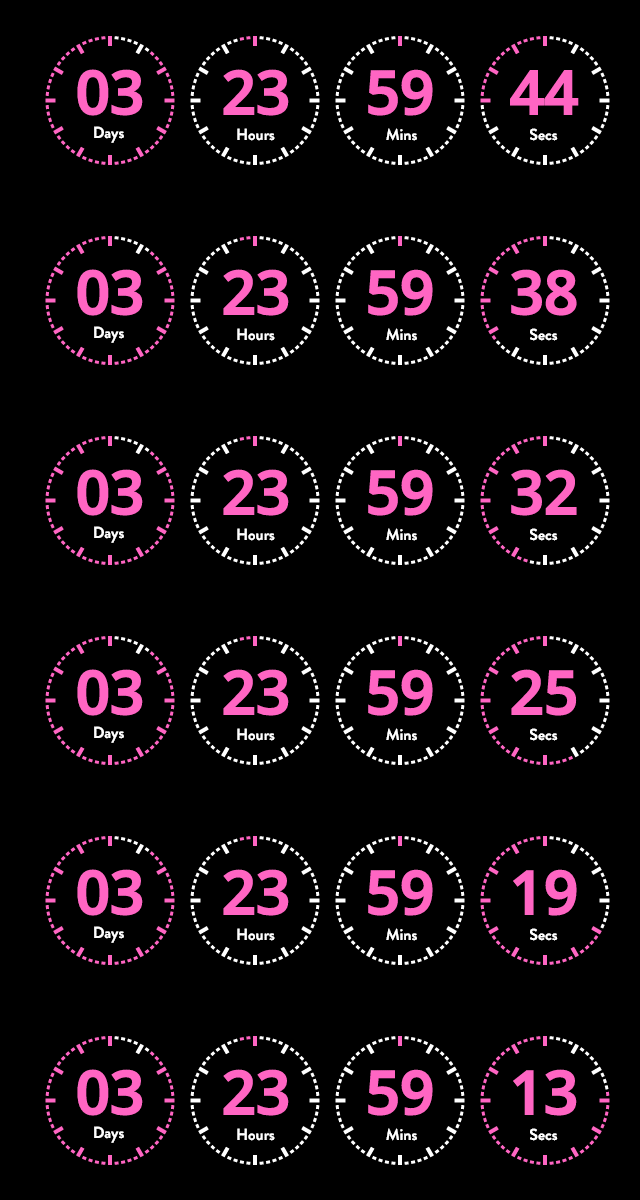
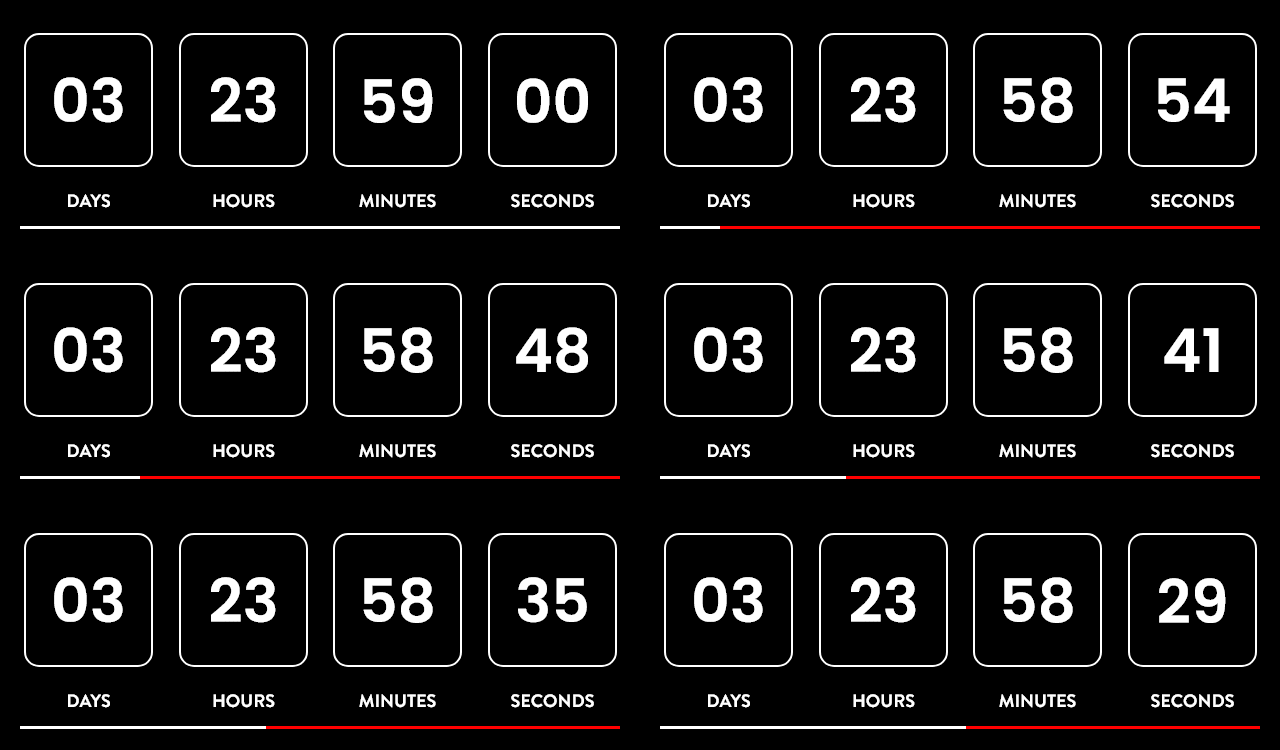
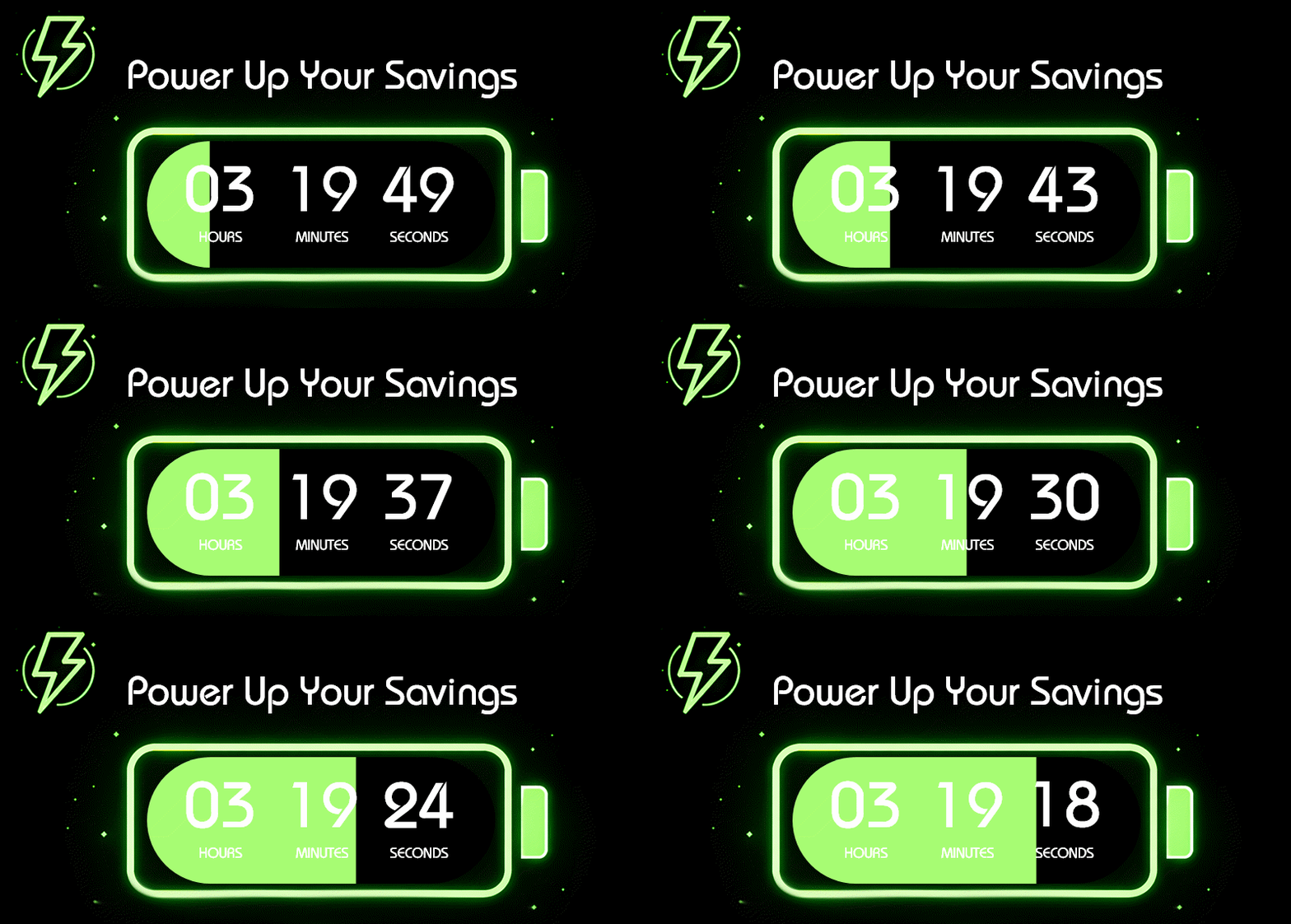
Add animated progress visuals that react as the timer ticks — radial progress bars, circular ticks, pie charts, and linear bars. Tie them to days, hours, minutes, or seconds for a visual countdown that goes beyond just numbers.
A timer for every space
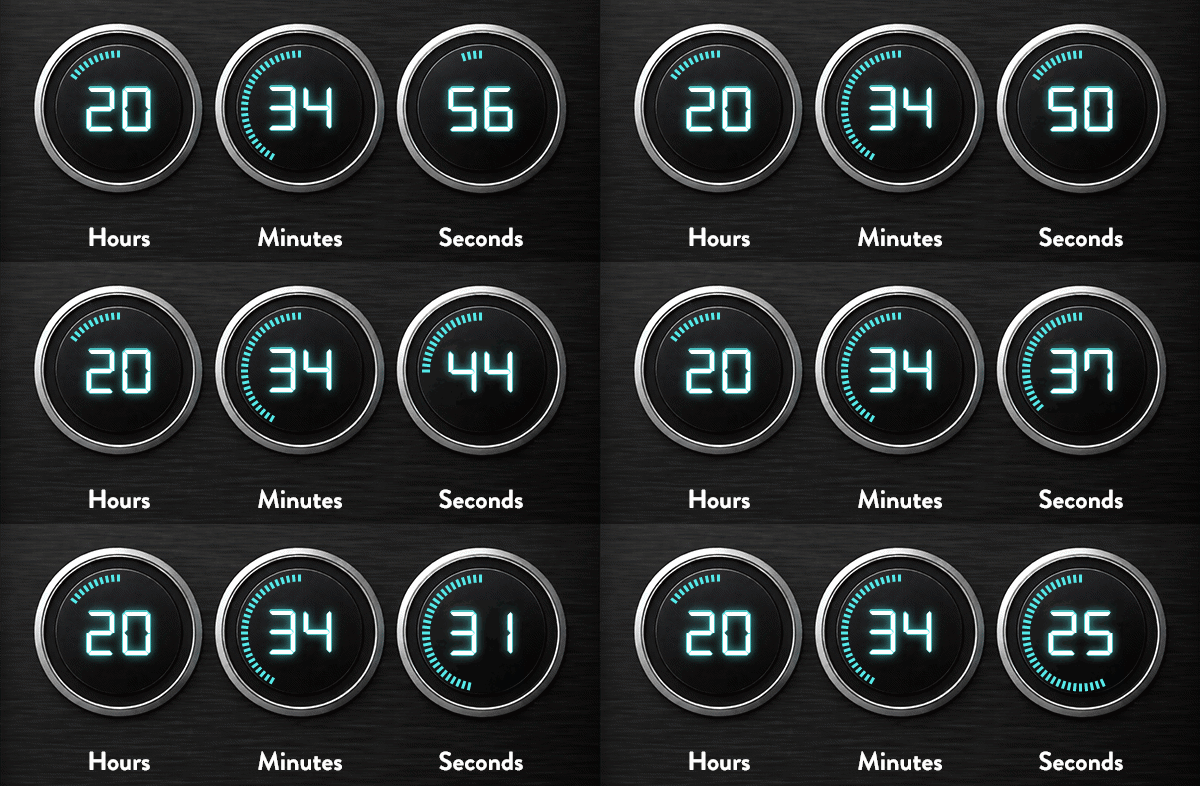
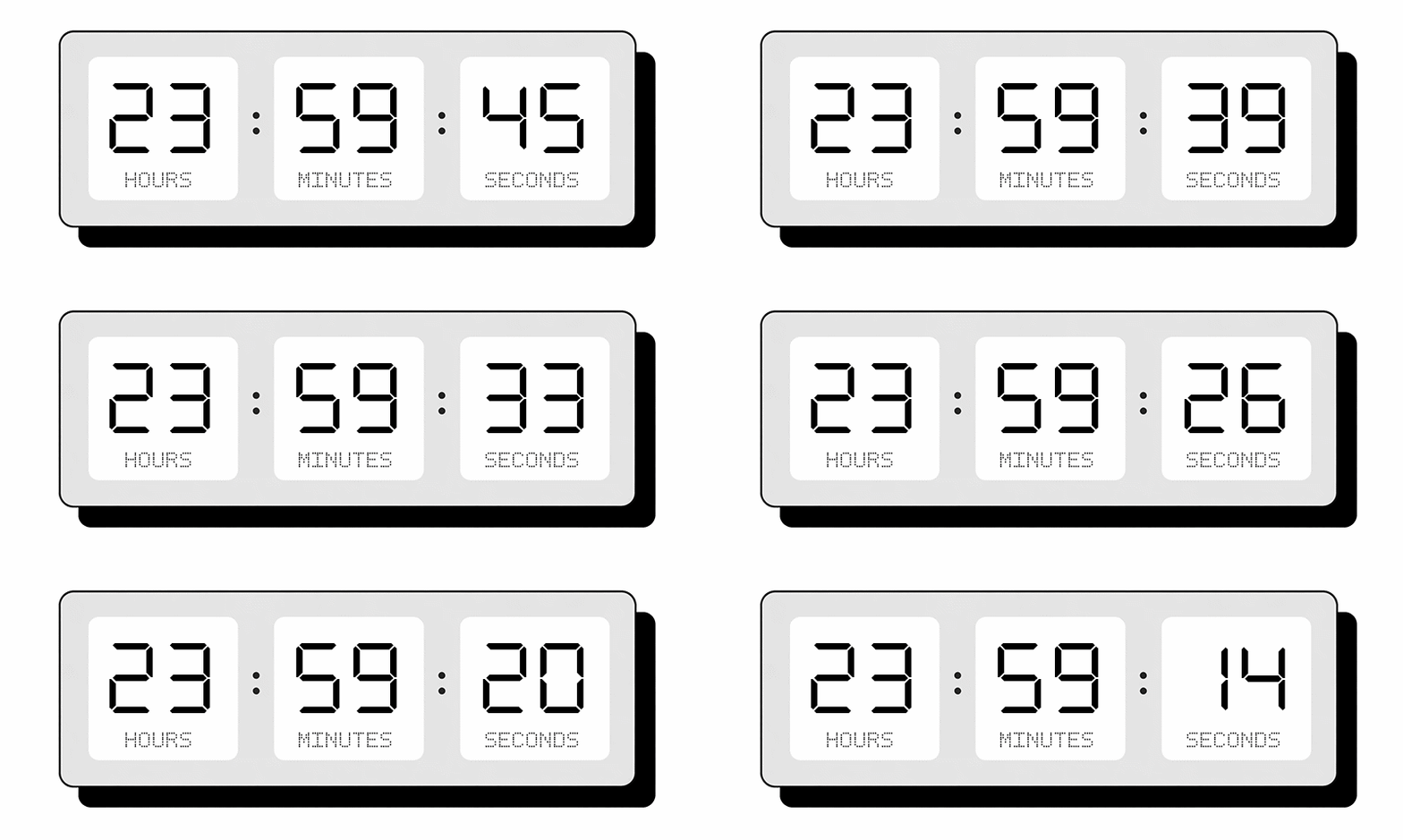
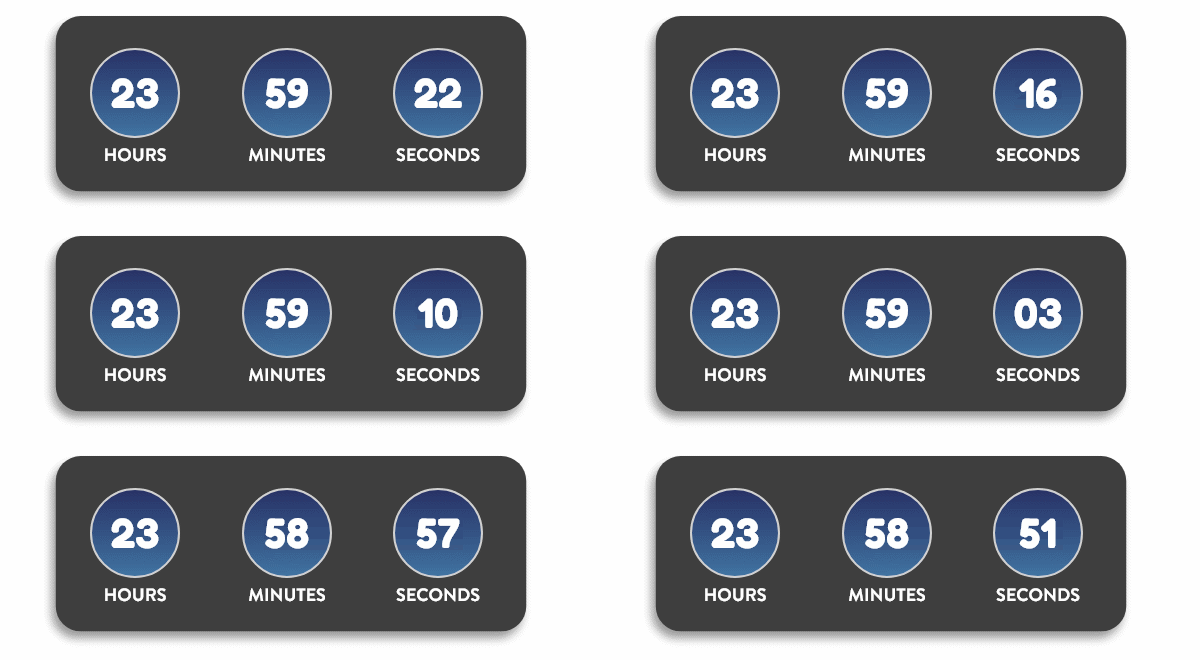
Not every timer needs days. Build compact hours-minutes-seconds countdowns that fit neatly into tight layouts — inline banners, sidebar slots, or footer strips. Every format renders as a standard image that works across all email clients.
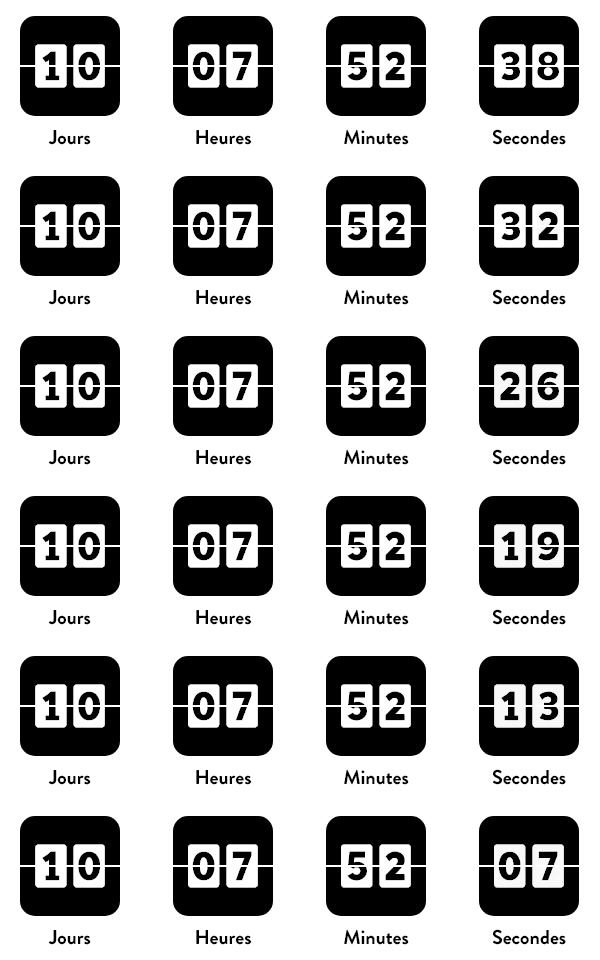
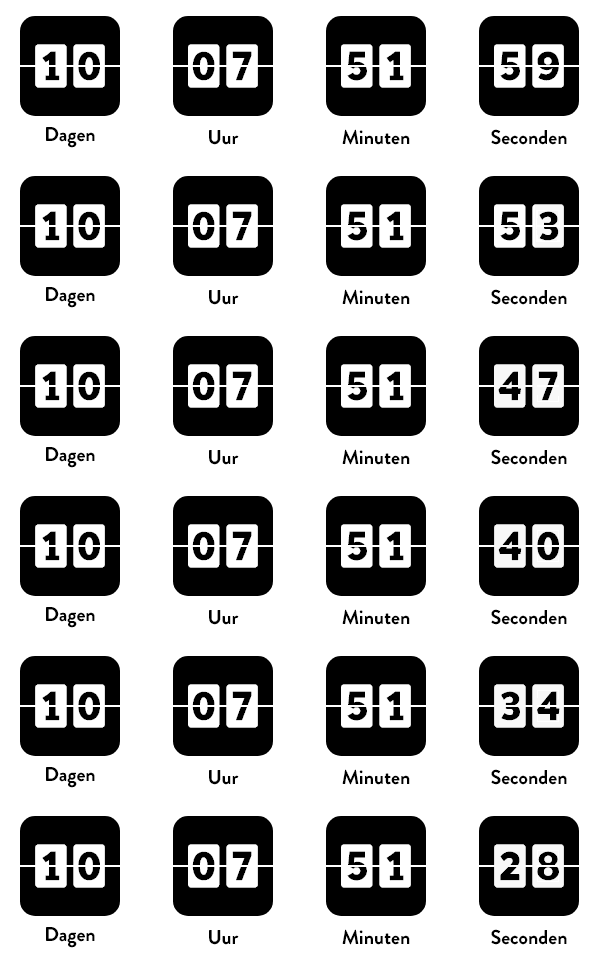
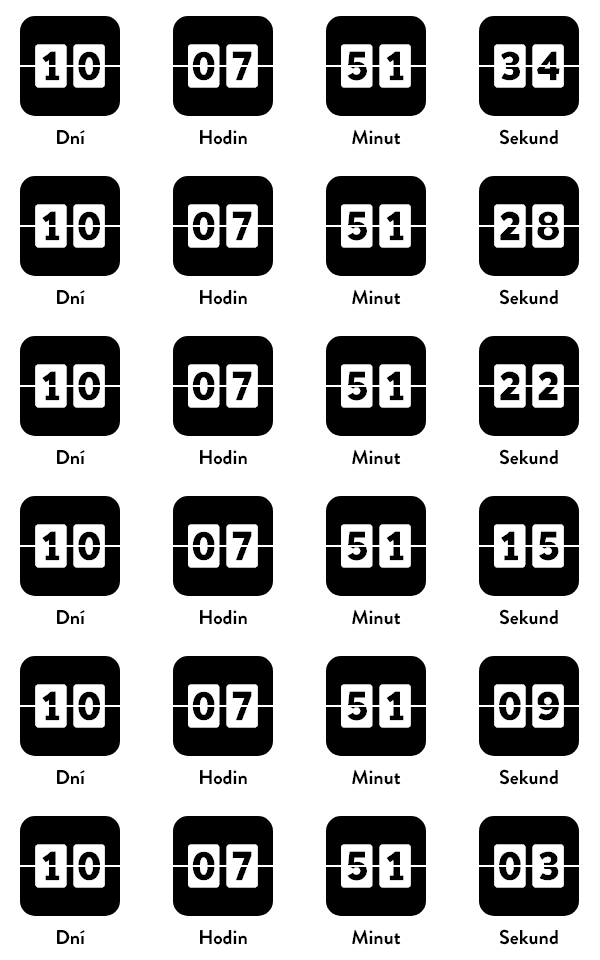
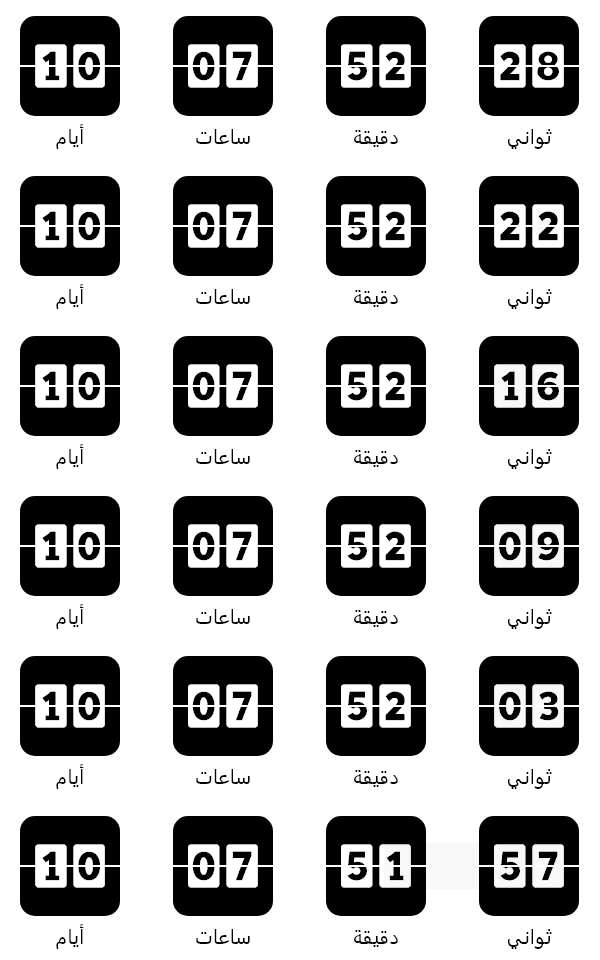
One timer, every language
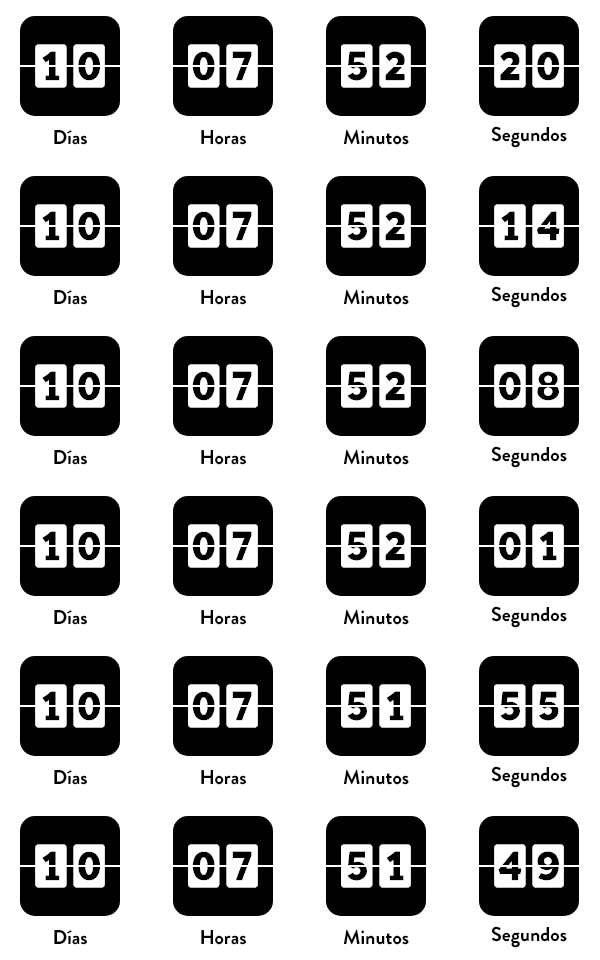
Run global campaigns from a single timer creative. Define custom translations for
Days, Hours, Minutes, and Seconds — then switch the displayed language with a simple
URL parameter like lang=es. No need to rebuild a separate timer for each audience.
One timer, every color scheme
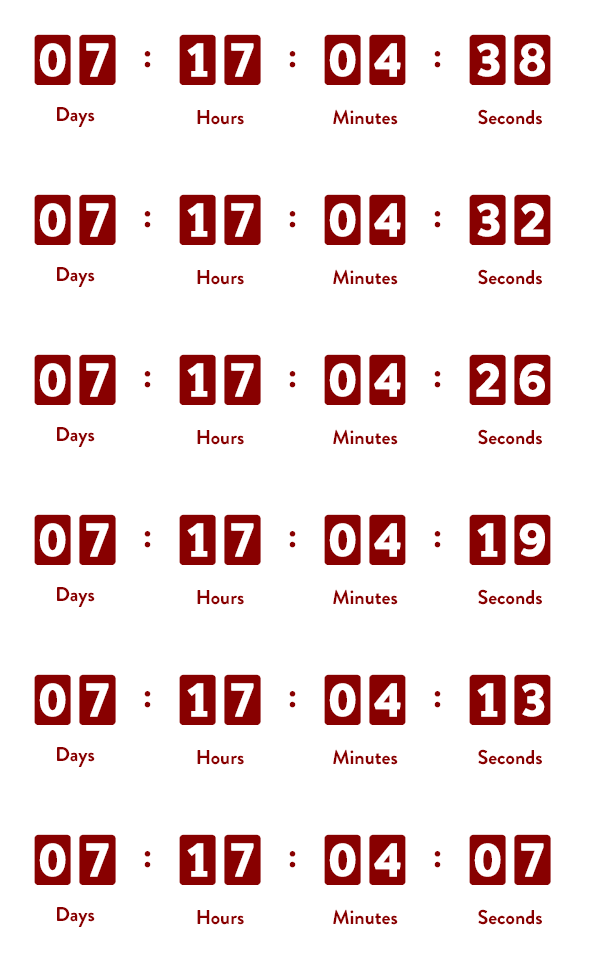
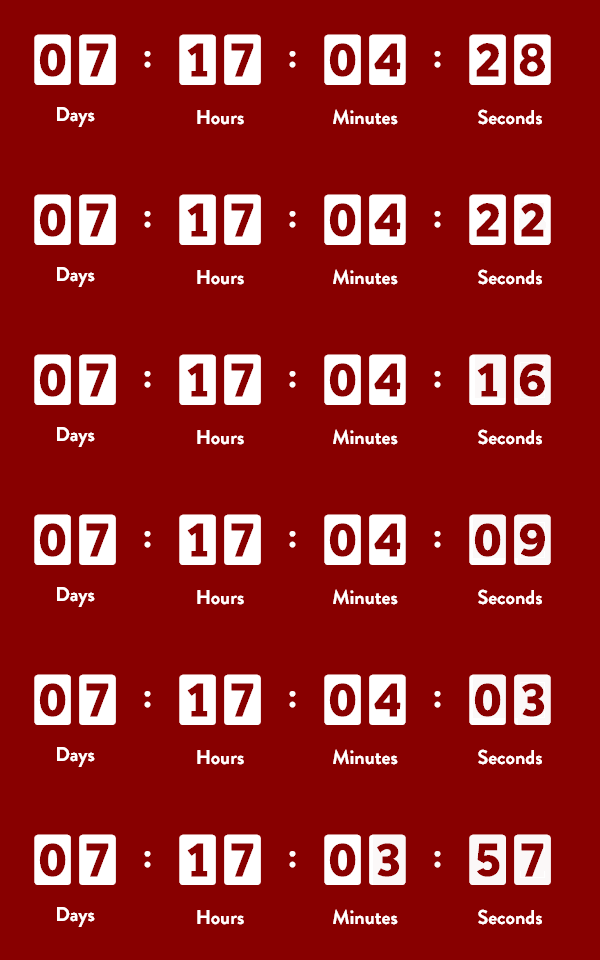
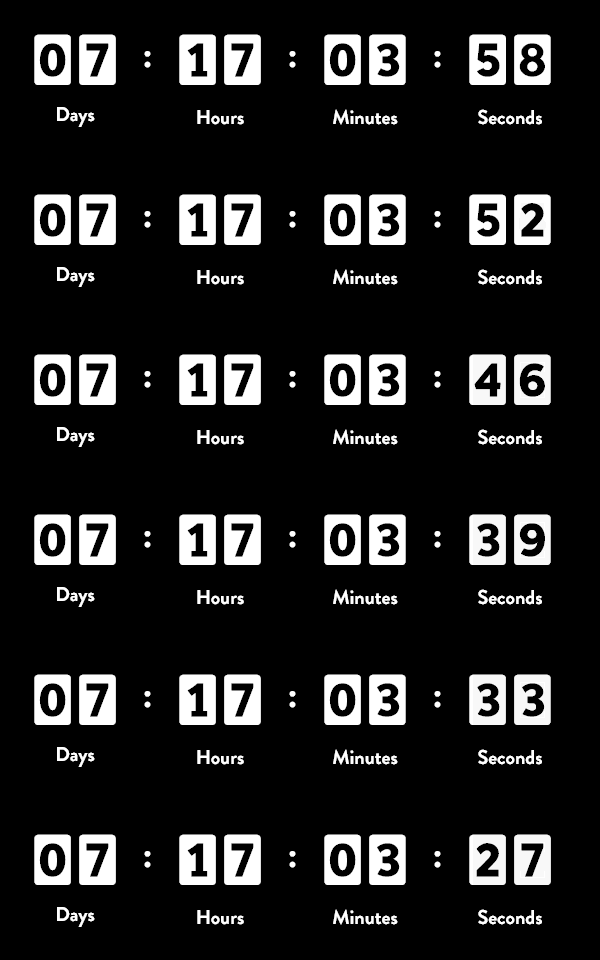
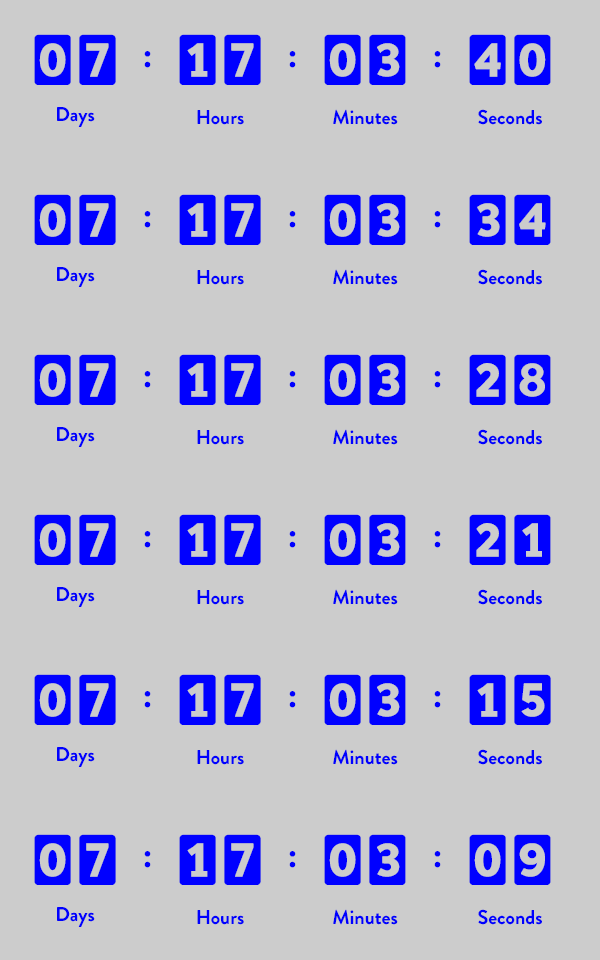
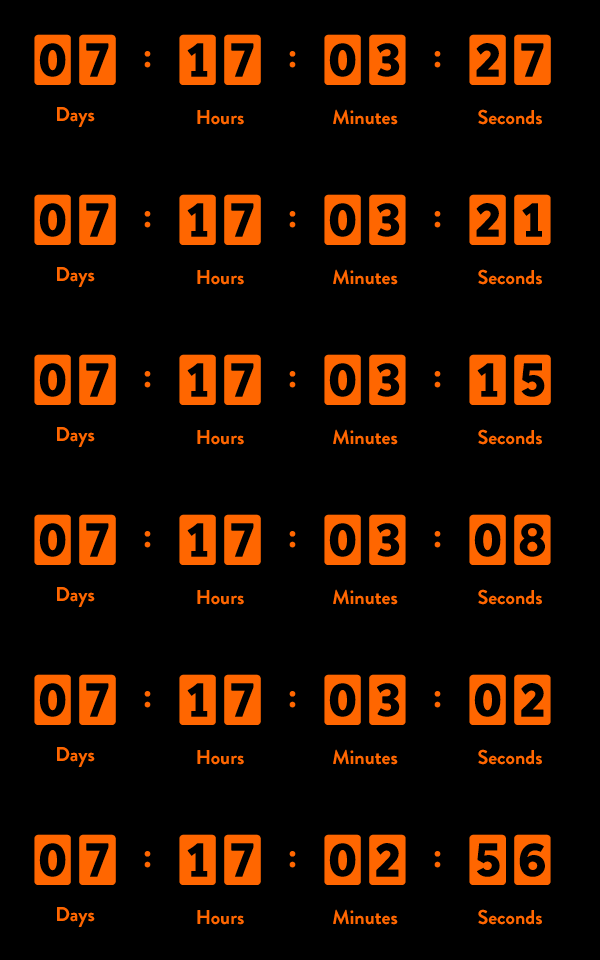
Recolor any timer on the fly with a URL parameter — no need to duplicate a creative just to swap a brand palette. Override background, text, and accent colors per recipient, per segment, or per A/B variant from a single source timer.
Simple timers, real results
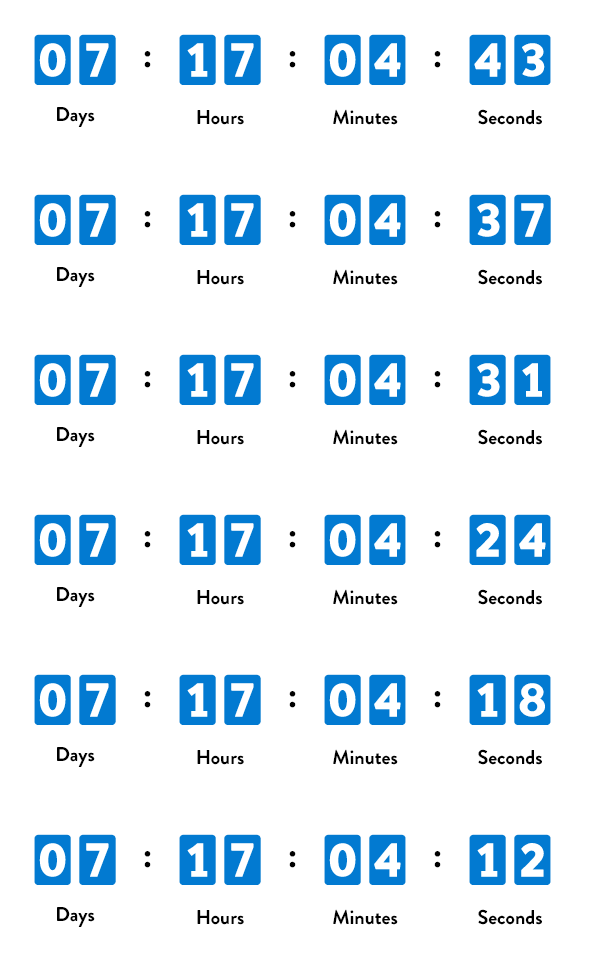
Don't need a full creative? Start with a clean, minimal timer in seconds. Pick colors, set your date, and paste the URL into your email. Even the simplest timer drives urgency that static text can't match.
Create a timer →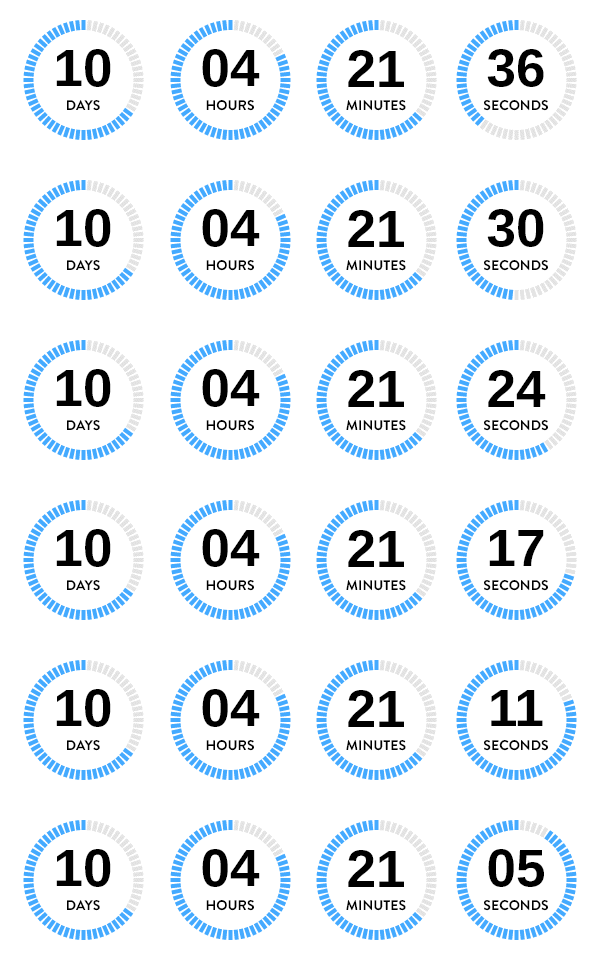



Count up from a start date, not just down to a deadline
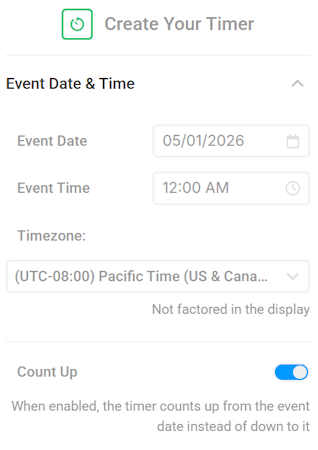
Flip a single Count Up toggle in the Event Date & Time panel and any timer switches direction. Same canvas, same animations, same personalization — new story. Build time-since-launch banners, customer anniversaries, milestone counters, and "shipped X minutes ago" creatives without maintaining separate templates.
Live in 3 steps
No developer needed. No ESP integration. Just an image URL.
Design your timer
Pick a style, set your end date, choose colors and fonts. See a live preview as you build.
Copy the image URL
We generate a unique URL. Drop it into any email as a standard <img> tag.
<img src="niftyimages.com/t/abc123" />
Send & watch it tick
Every time a subscriber opens the email, the timer renders live with the current countdown.
A timer for every campaign
Set a fixed deadline, personalize per subscriber, or let the countdown reset automatically.
Campaign countdown
Set a fixed end date. Every subscriber sees the same deadline — perfect for flash sales, product launches, and event registrations.
Merge tag date
Pass a unique end date per subscriber via merge tags. Ideal for trial expirations, loyalty reward deadlines, and shipping ETAs.
Email open
Countdown begins the moment a recipient views the timer. Great for evergreen automations like welcome series and cart abandonment.
Recurring
Counts down to a repeating deadline, then automatically resets for the next cycle. Count down to midnight daily, every Friday at 5 PM, or the end of each month.
Subscriber-specific
Combine merge tags with business logic to drive individual countdowns — renewal dates, contract milestones, or personalized offer windows.
Expired state
When a timer hits zero, show a custom expired message, a fallback image, or hide the timer entirely. You control the post-deadline experience.
Timers that drive results
Cart abandonment
Recover lost revenue with a ticking deadline. "Your cart expires in 2 hours."
Flash sales
Nothing says "act now" like a live timer counting down to the end of a sale.
Event registration
Drive RSVPs with a visible deadline. Early-bird pricing ends when the timer hits zero.
Loyalty & rewards
"Your 500 bonus points expire in 3 days." Personalized deadlines per subscriber.
Trial expiration
Convert free users to paid with a countdown to the end of their trial period.
Shipping deadlines
"Order by Friday for holiday delivery." A live timer makes the deadline feel real.