Dates that matter,
personalized per subscriber
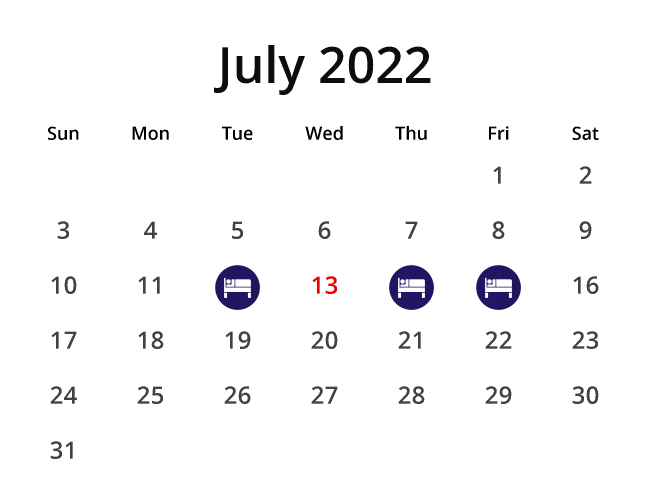
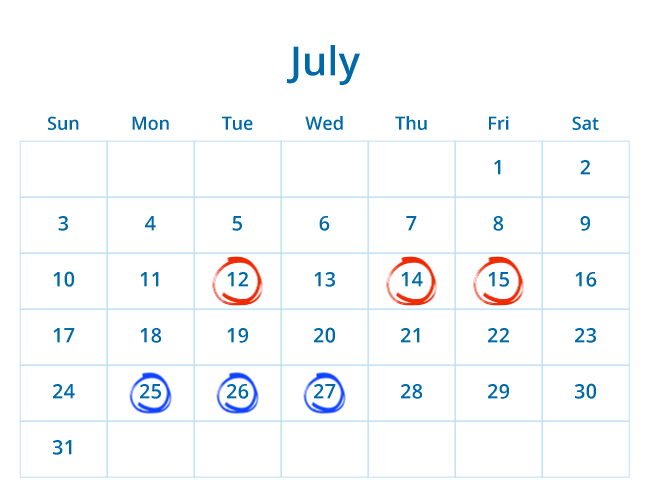
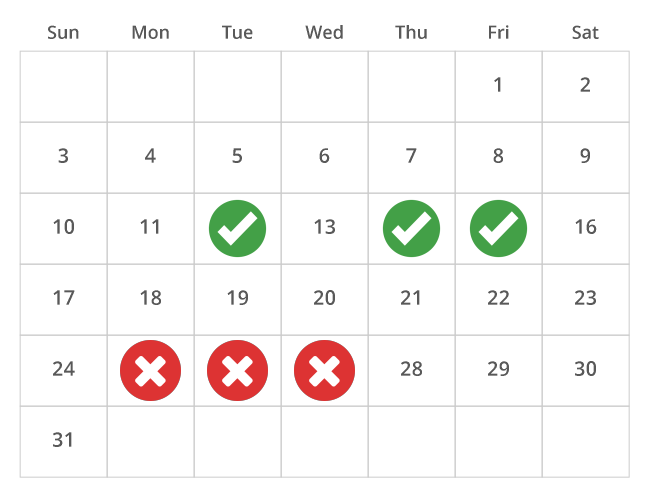
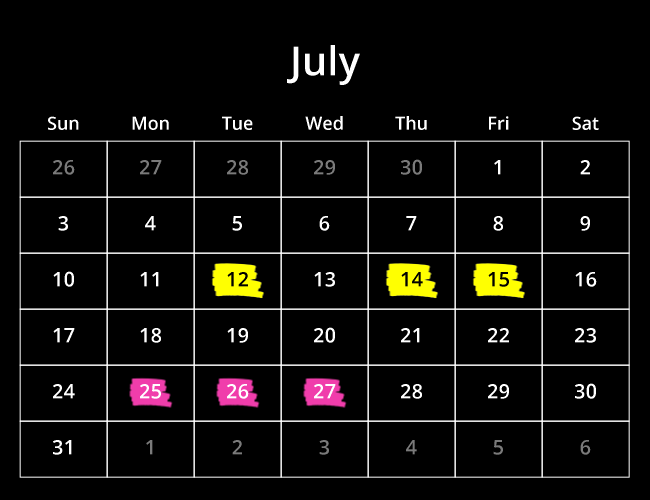
Dynamic calendar images that highlight the dates each subscriber cares about — events, renewals, deadlines, or promotions. Built inside the Personalized Image editor and rendered as a standard image in any email.
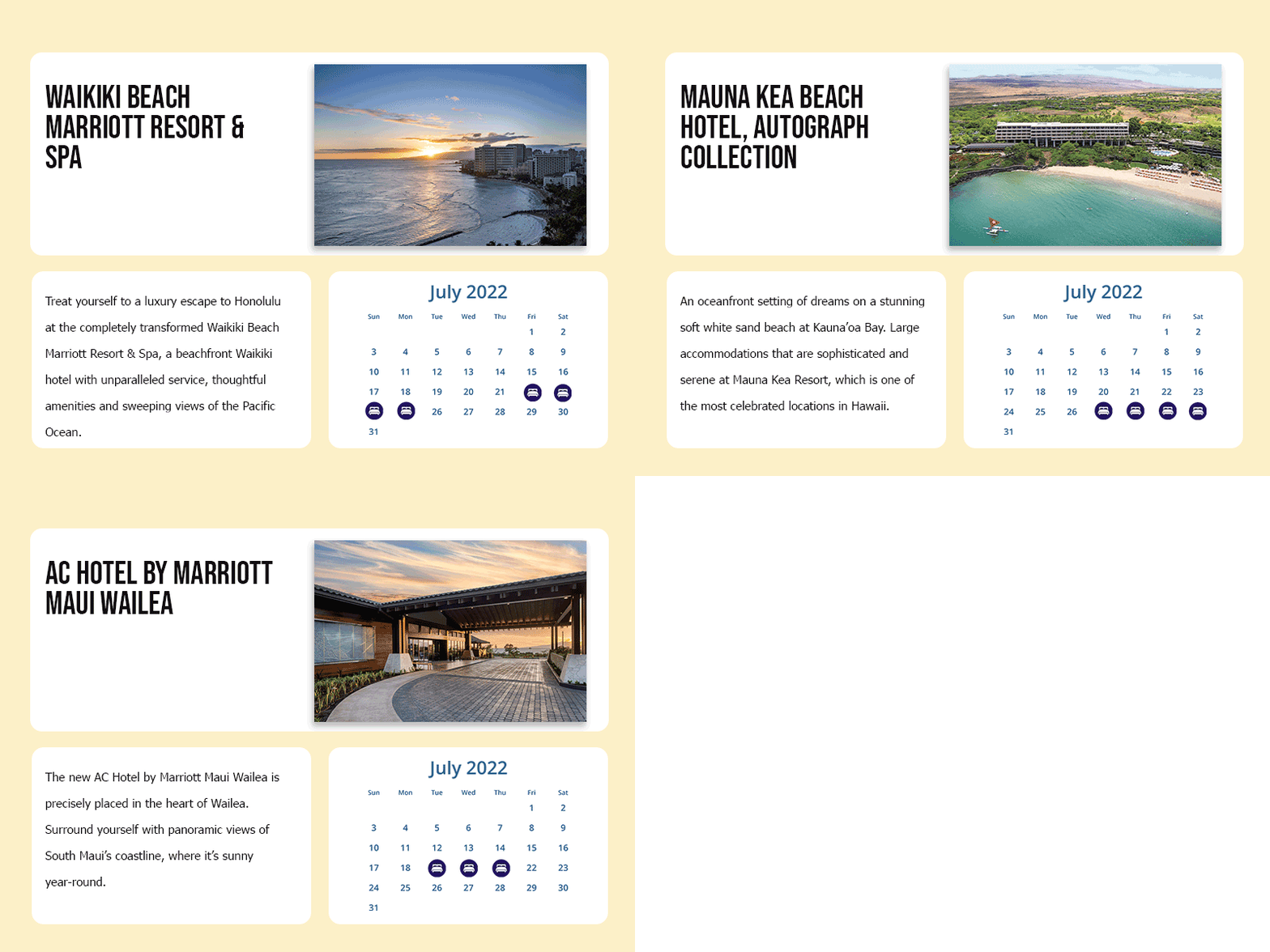
Every subscriber sees their own dates
Drive highlighted dates via merge tags. Show each subscriber their renewal date, billing cycle, event schedule, or personalized promotion window. One calendar template serves millions of unique views.
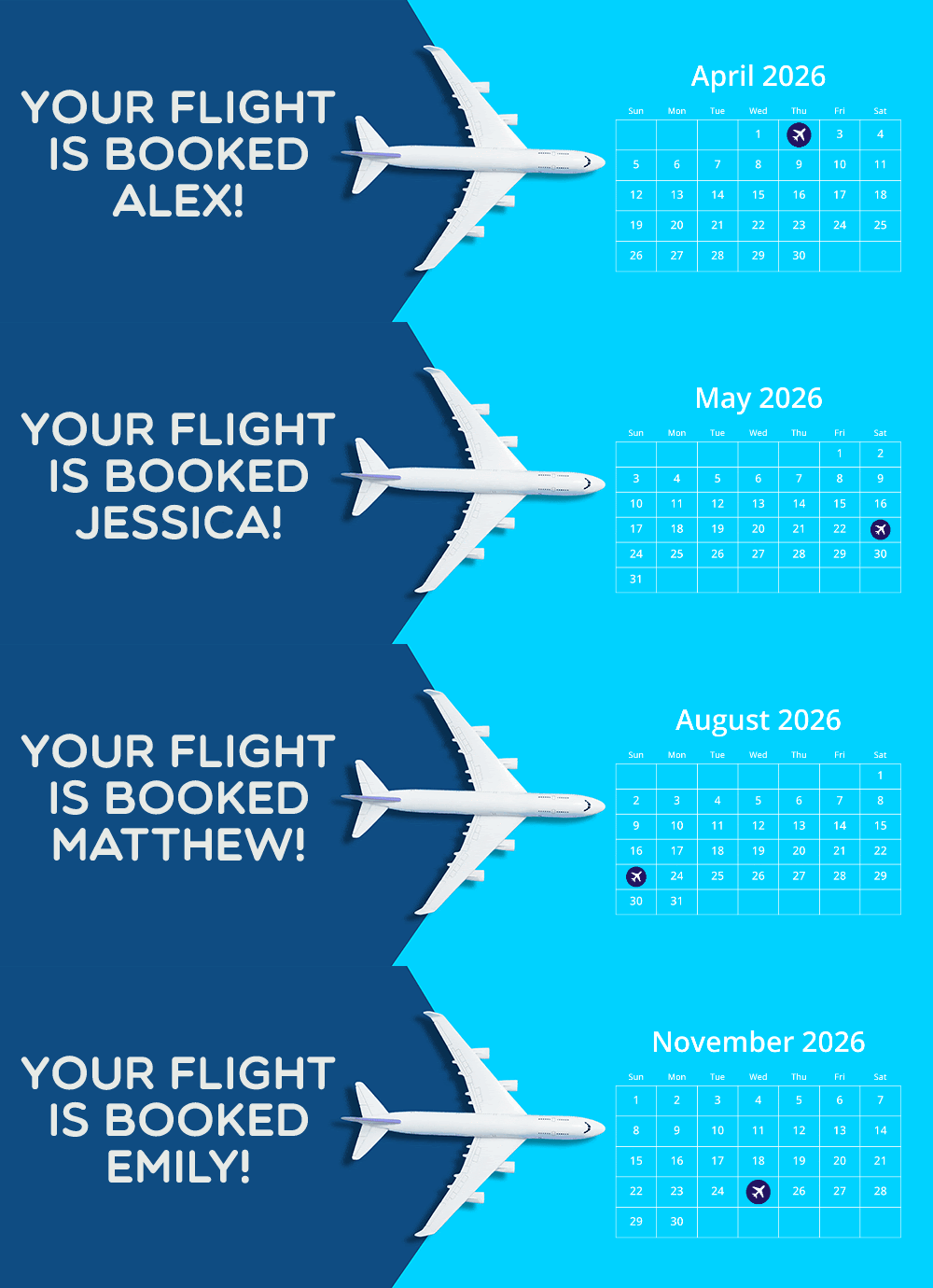
Calendars that match your brand
Customize every visual detail — background color or transparent, gridlines, labels, header styling, date markers, and fonts. Upload your own TTF/OTF fonts for month names and weekday labels.
Personalized calendars in 3 steps
Built inside the Personalized Image editor you already know.
Add a calendar layer
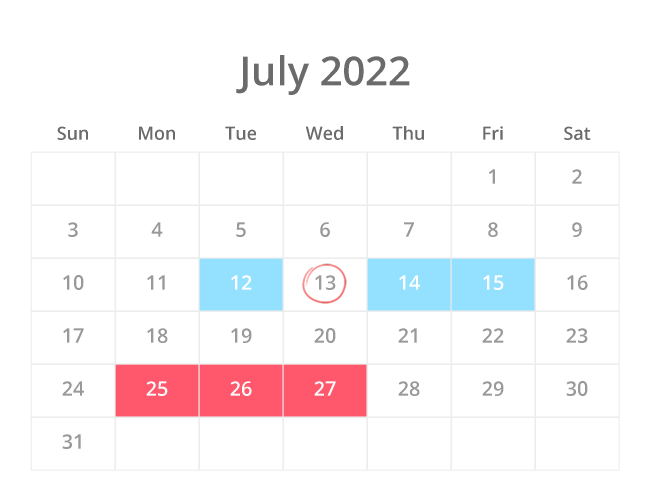
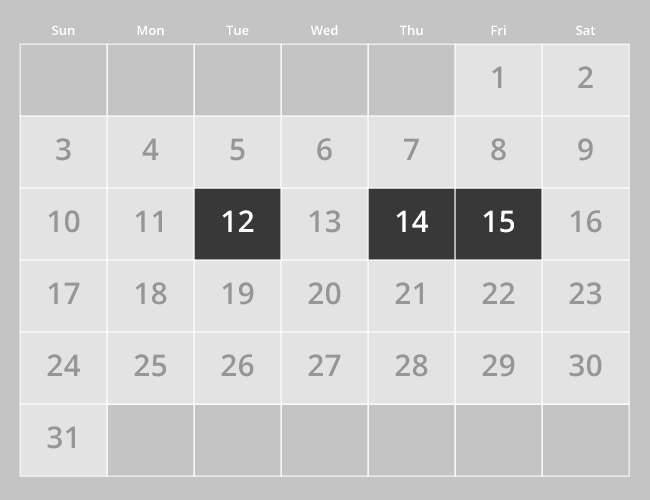
Open the Personalized Image editor and add a calendar component. Configure the month, layout, and styling.
Set highlighted dates
Mark specific dates with colors, icons, or markers. Use merge tags or Data Sources to personalize per subscriber.
<img src="niftyimages.com/i/abc123?date=%%RENEWAL%%" />
Paste & send
Drop the image URL into your email. Each subscriber sees a calendar with their own dates highlighted at open.
Calendars that drive action
Event highlights
Webinars, conferences, product launches, or sales periods — show subscribers exactly when it happens on a visual calendar.
Renewal & billing dates
Show each subscriber their upcoming renewal, billing cycle, or trial end date highlighted on a personalized calendar.
Seasonal promotions
Holiday campaigns, multi-day sales, or content calendars — visualize the entire promotion window at a glance.
B2B milestones
Internal communications with project milestones, contract dates, or quarterly deadlines visualized for each recipient.
Course schedules
Show class dates, assignment deadlines, or exam schedules personalized per student or cohort.
Sale countdowns
Highlight sale start and end dates on a calendar alongside countdown timers and personalized offers in a single image.
Calendars inside personalized images
Calendars are built as layers in the Personalized Image editor — not a separate tool. Combine a calendar with a subscriber's name, a countdown timer, a chart, and a coupon code all in a single image. One URL, one creative, fully personalized.
Calendars in any language
Select a language or culture setting to automatically localize weekday and month labels. Serve calendars to global audiences without maintaining separate templates per region.