Test visuals,
not just subject lines
Split traffic across image variants using a single URL. NiftyImages tracks opens and clicks, determines the winner, and automatically serves the best-performing creative to every subsequent opener — including re-opens.
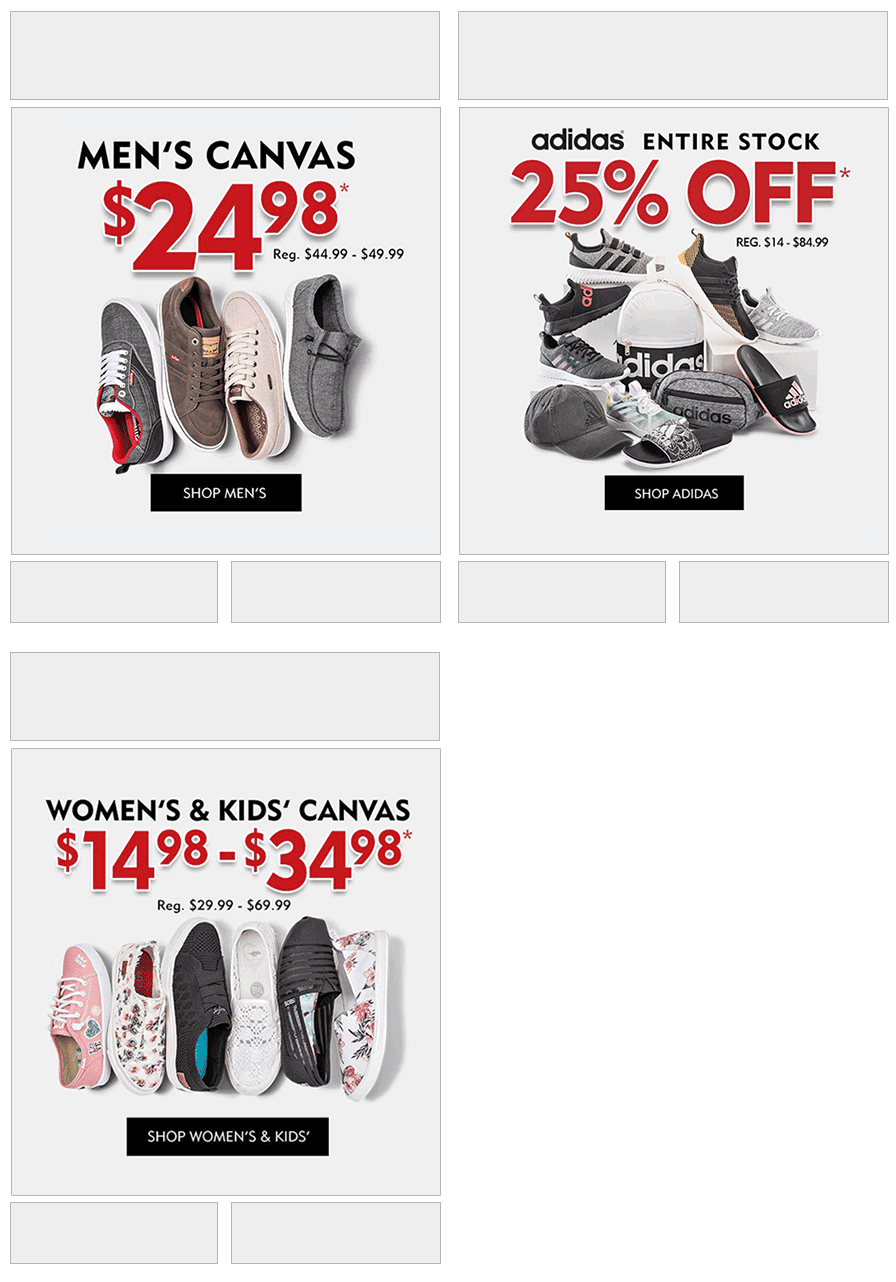
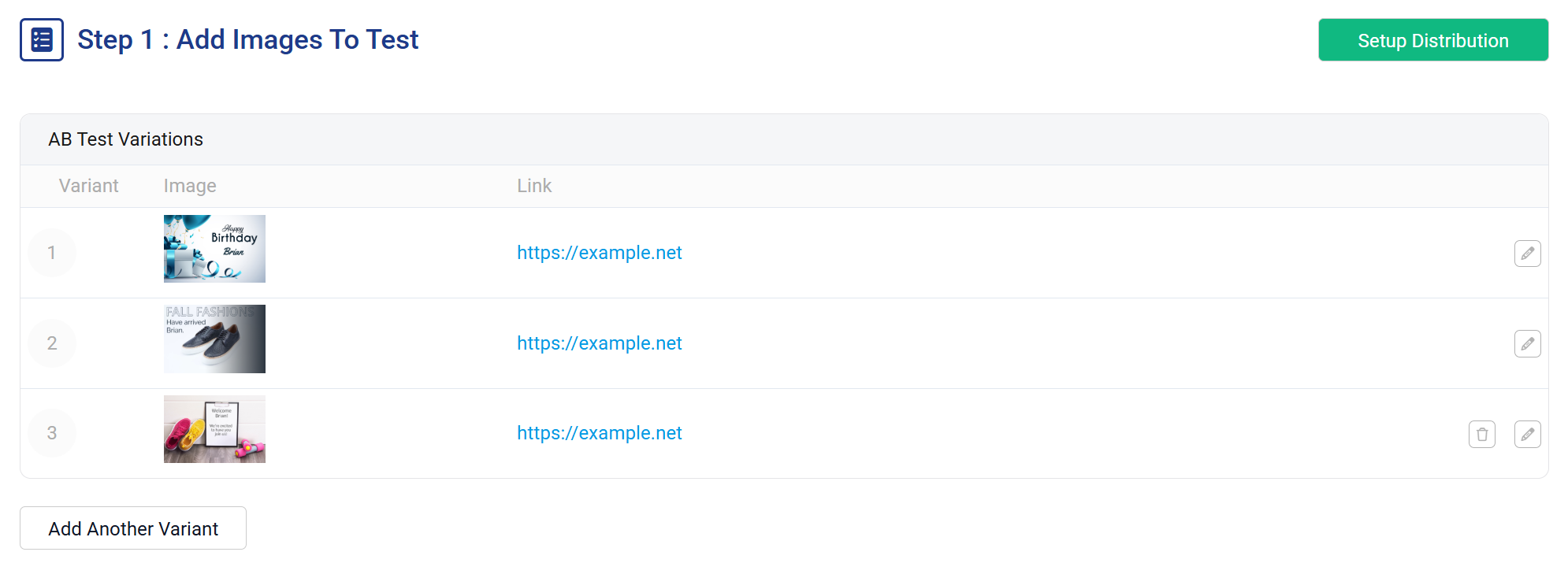
Test any image — not just A vs B
Add as many variants as you need. Each can be a static image or any NiftyImage type — personalized images, countdown timers, charts, or anything else. Each variant gets its own click-through URL, so you can test both the creative and the destination.
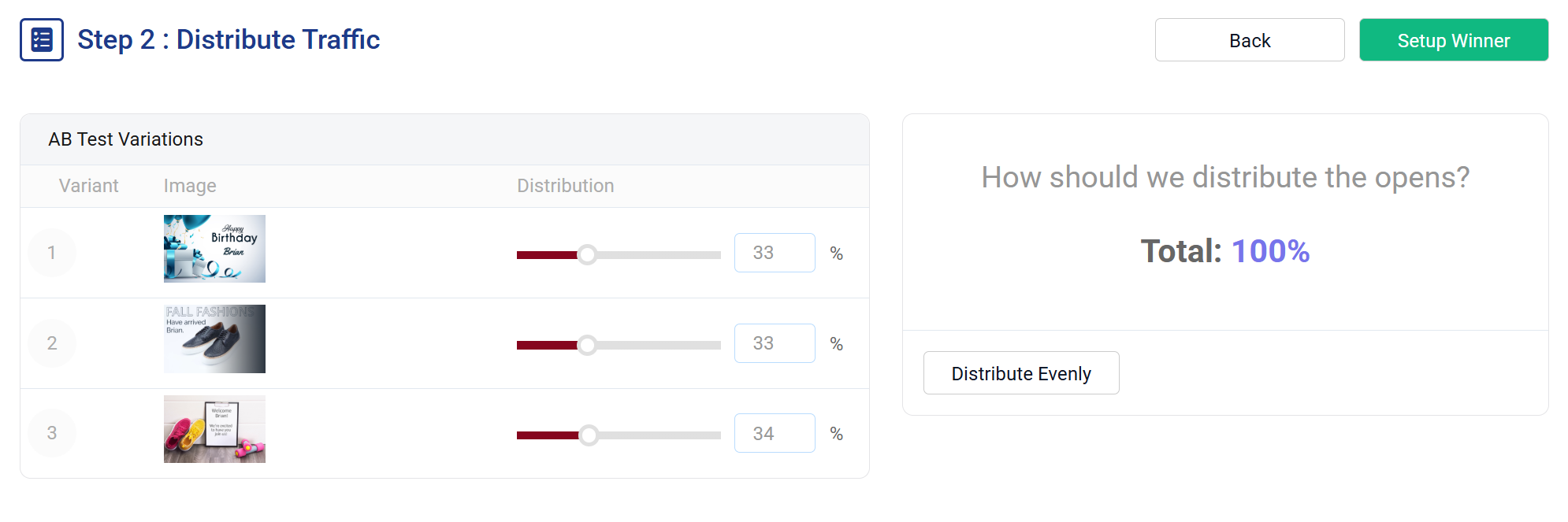
Control the split, let data decide the winner
Set custom traffic percentages across variants — 50/50, 33/33/34, or any ratio you choose. NiftyImages distributes opens across variants and tracks engagement in real time. When you're ready, the winner takes over automatically.
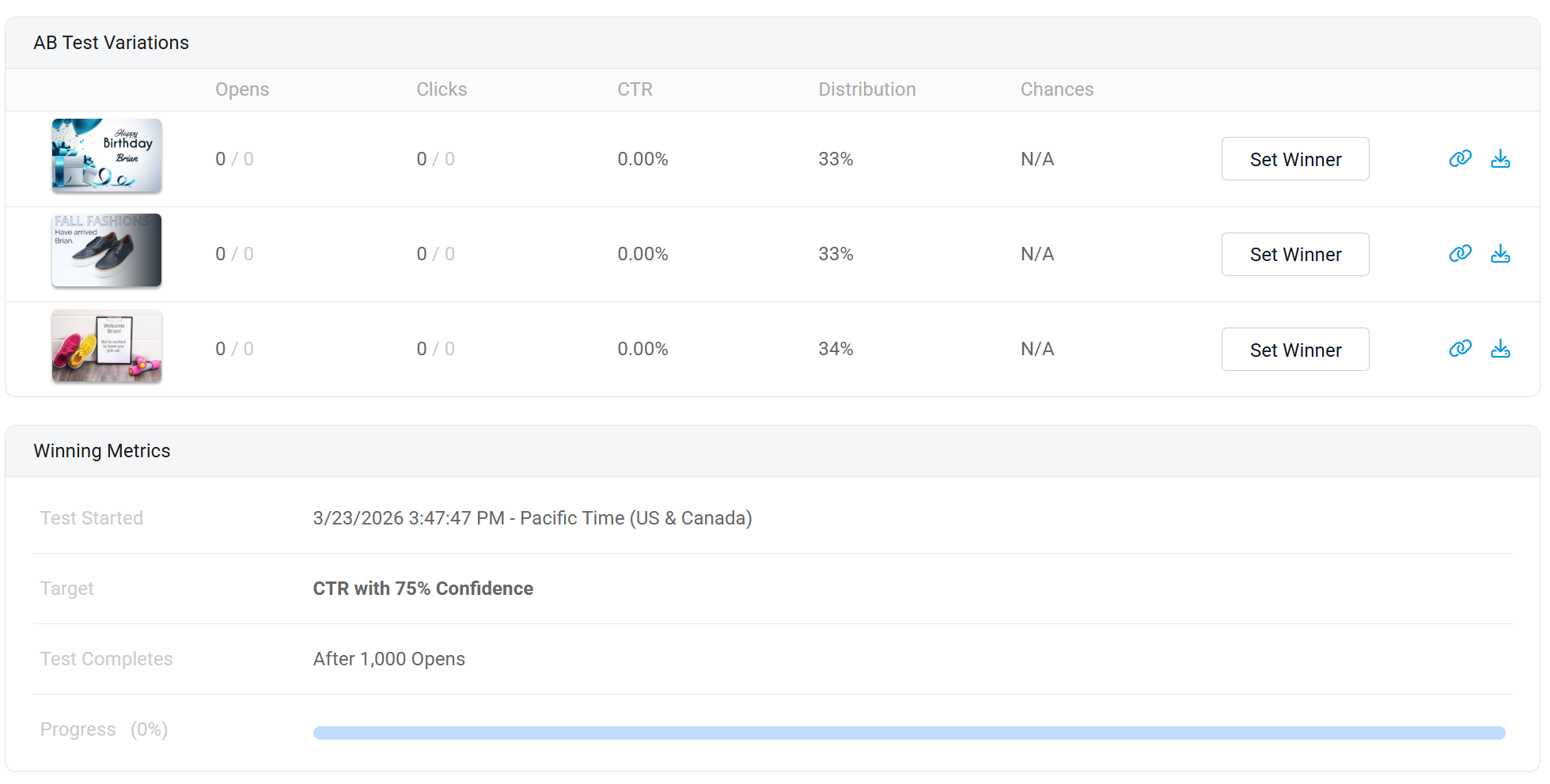
Four ways to pick a winner
Choose how and when the winner is determined. Once selected — automatically or manually — NiftyImages serves the winning image and link to every subsequent opener, including subscribers who re-open the email days later.
Late openers see the winner
Unlike ESP-native A/B tests that lock in at send time, NiftyImages optimizes after the send. Subscribers who open the email hours or days later — and those who re-open — automatically see the winning variant. Every open is optimized.
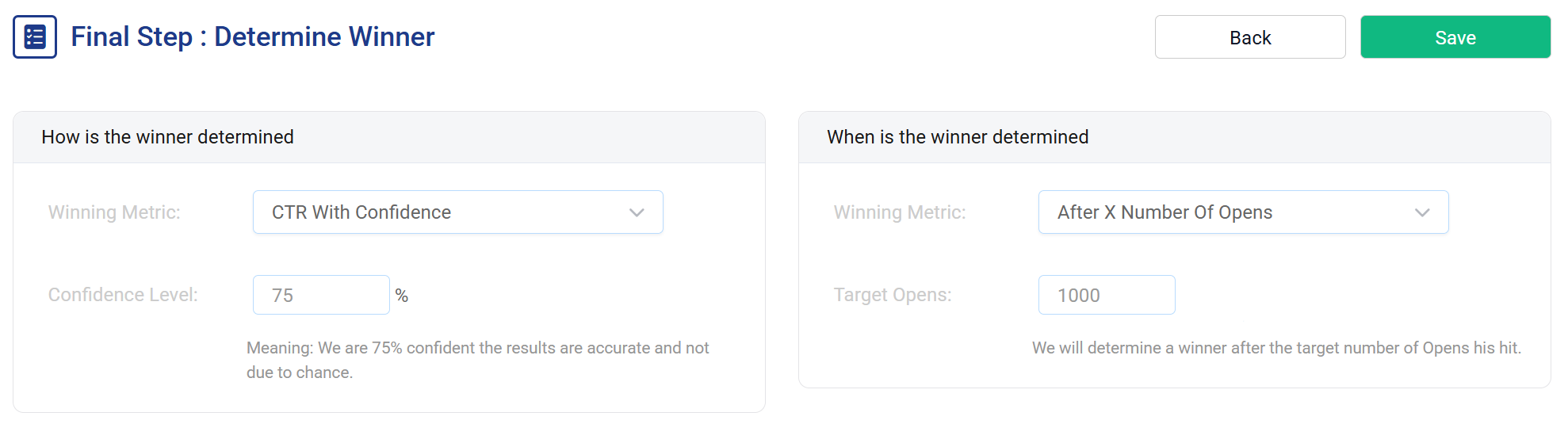
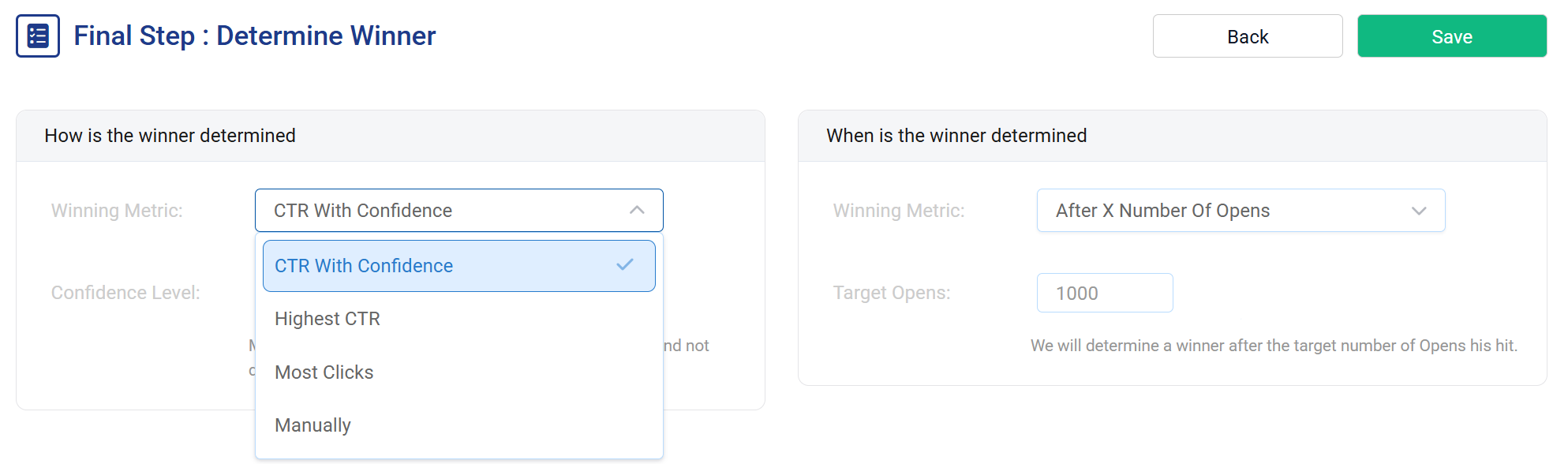
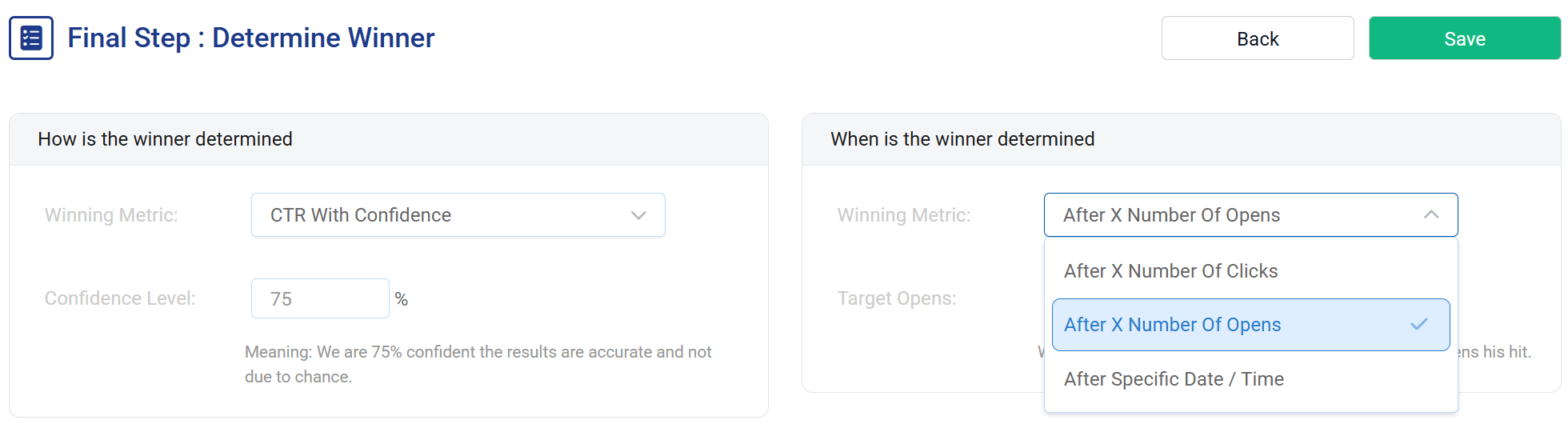
Image optimization in 3 steps
One image URL and one HREF. Works in any ESP.
Upload your variants
Add two or more image variants — static uploads or any NiftyImage type. Set each variant's click-through URL and traffic percentage.
Set winner criteria
Choose when to pick a winner (after X opens, X clicks, or a specific date) and how (CTR with confidence, highest CTR, most clicks, or manual).
Paste & optimize
Drop the single image URL and HREF into your email. NiftyImages splits traffic, tracks results, and serves the winner automatically.
<a href="niftyimages.com/click/abc123"><img src="niftyimages.com/ab/abc123" /></a>
Test what actually moves the needle
Hero images
Test different hero images, product shots, or lifestyle photography to see which visual drives more clicks.
Offer comparisons
"20% off" vs "Free shipping" vs "$10 credit" — test which value proposition resonates most with your audience.
CTA design
Compare button text, colors, placement, and urgency language to find the CTA that converts best.
Timer vs static
Does a countdown timer outperform a static banner? Test any NiftyImage type against any other in the same campaign.
Layout testing
Horizontal vs vertical, dark vs light, minimal vs detailed — test visual layouts without building separate campaigns.
GIF vs static
Does animation increase engagement? Test animated GIFs against static images and let the data decide.